
Fishfinder – What’s Happening in the Tests?
It’s been a while since any updates, so here’s something new
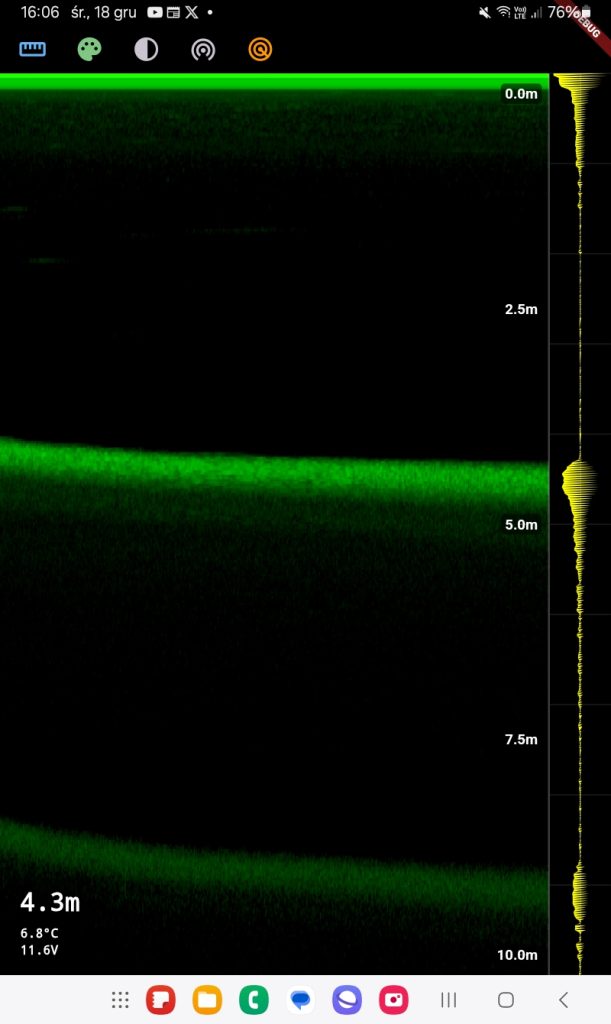
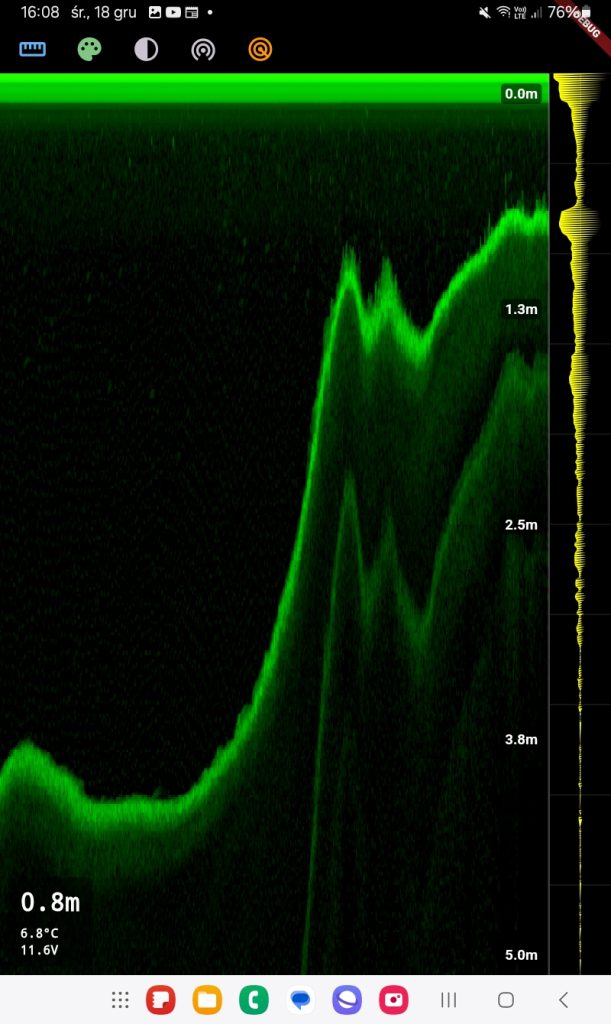
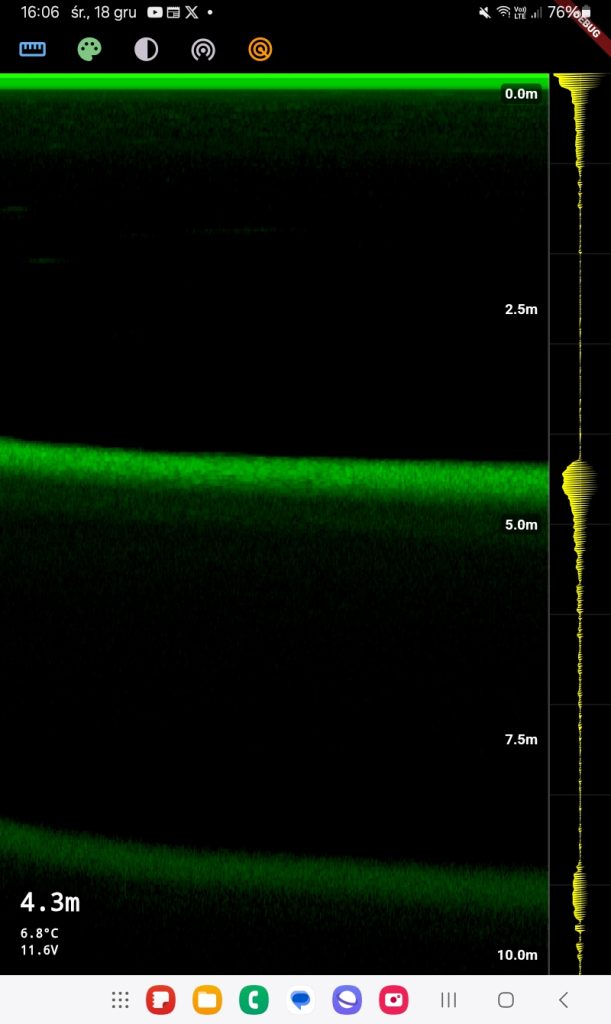
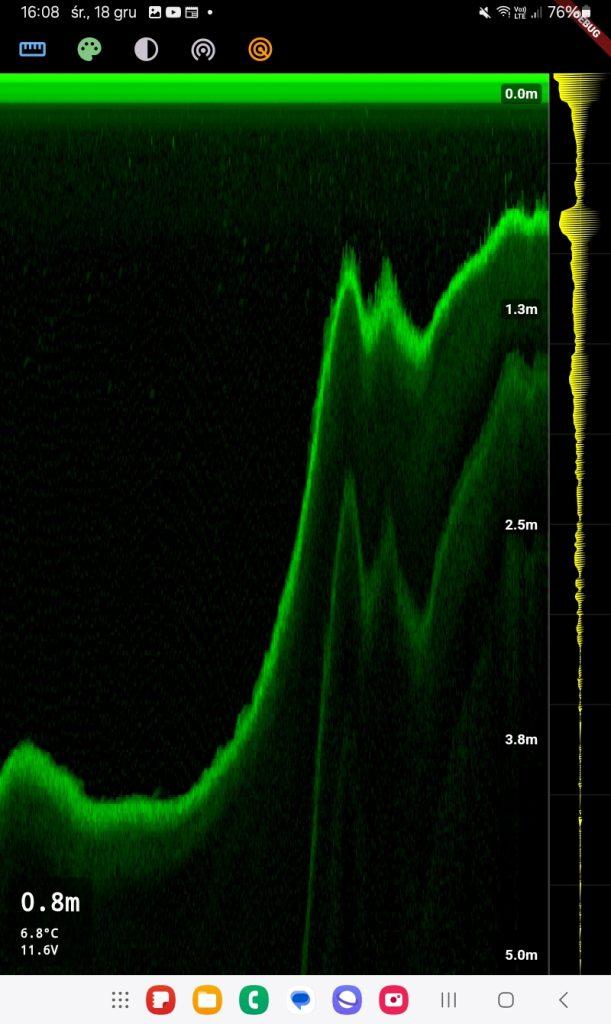
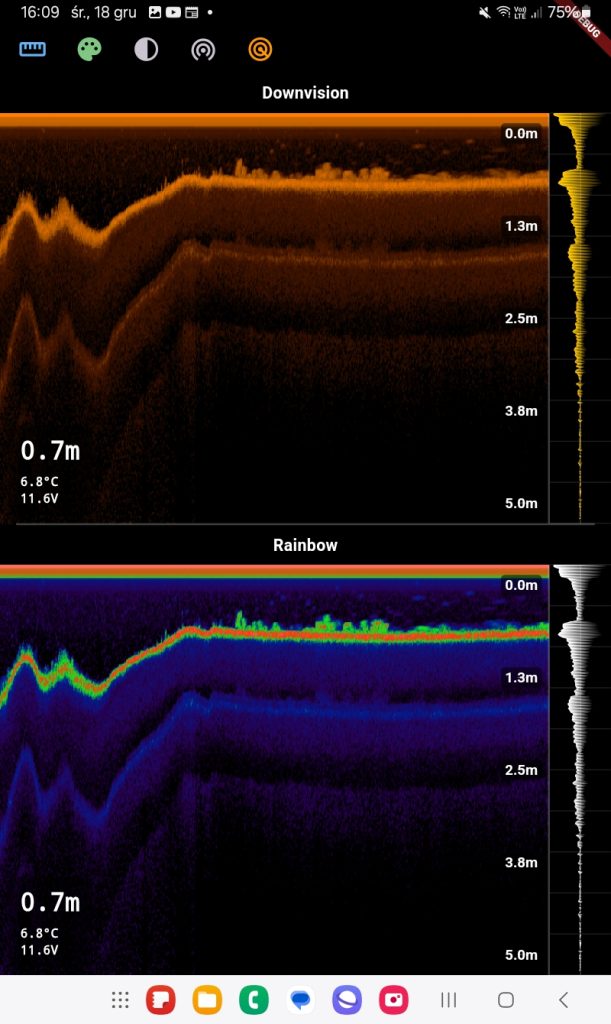
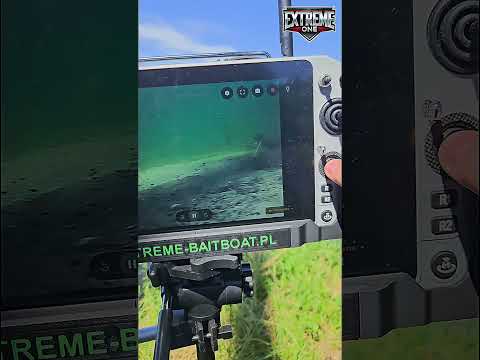
The fishfinder shown in the screenshots includes the following features:
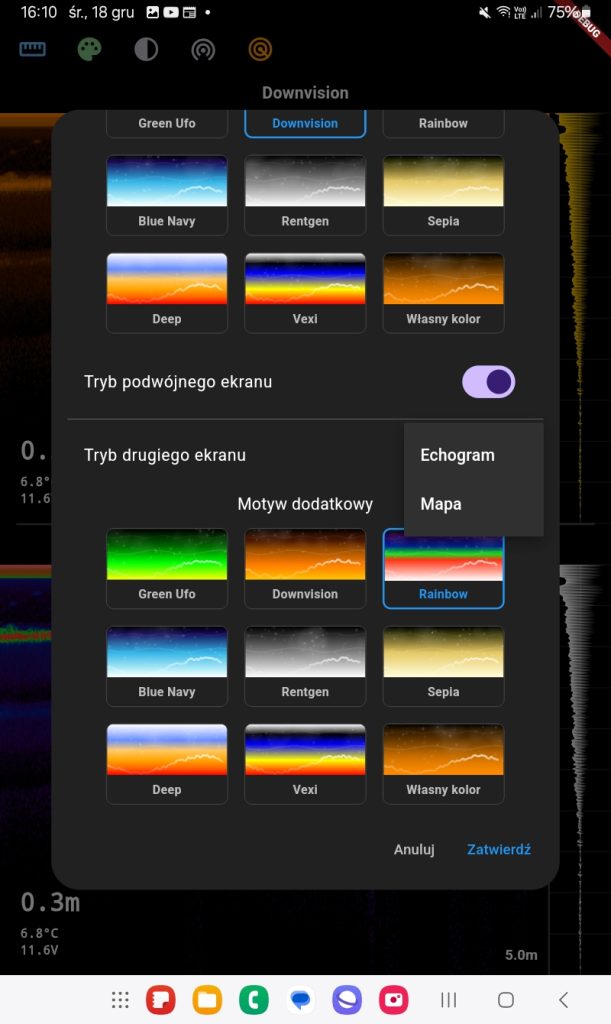
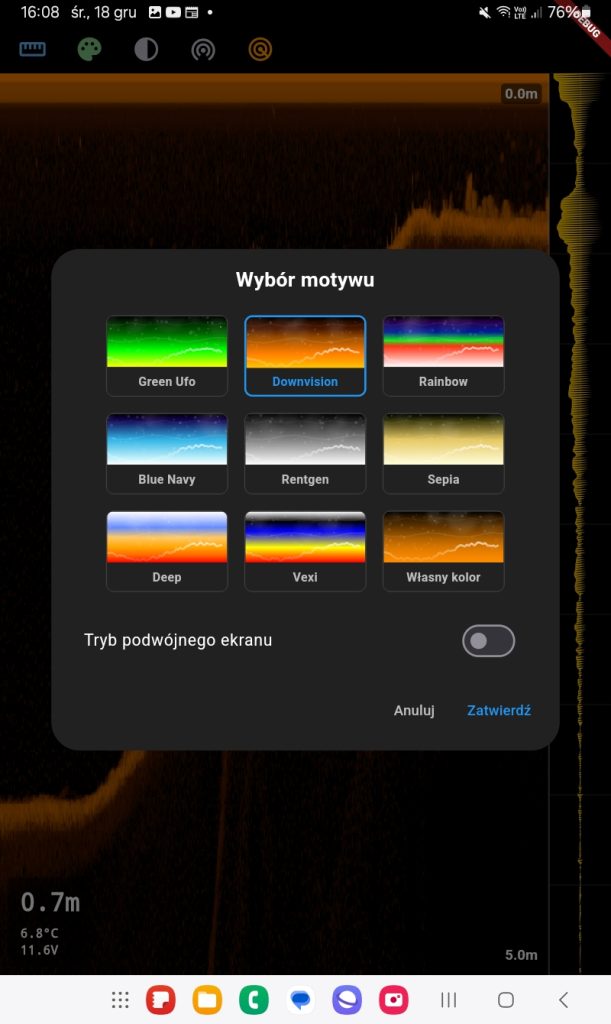
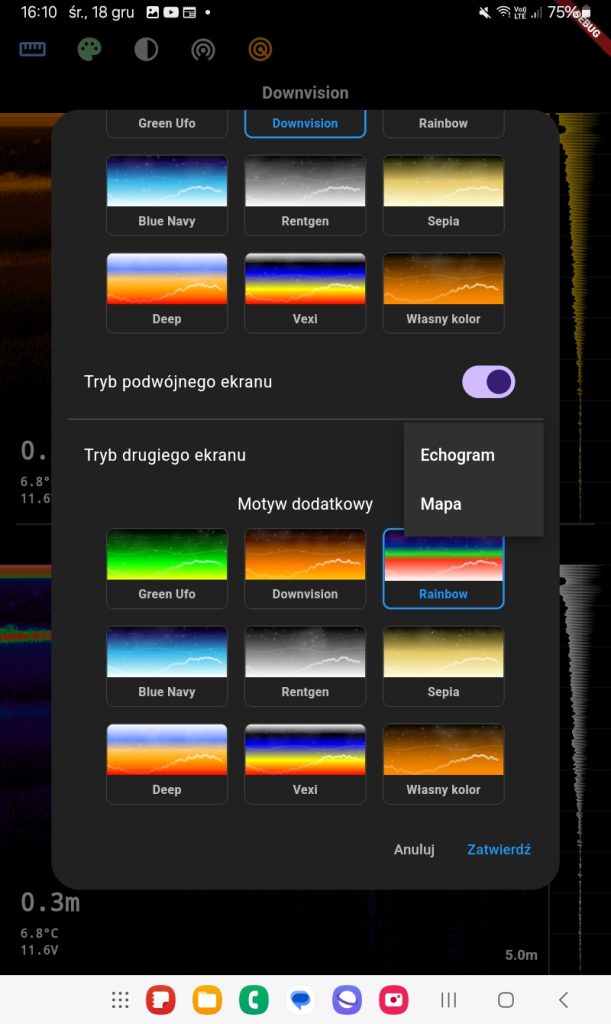
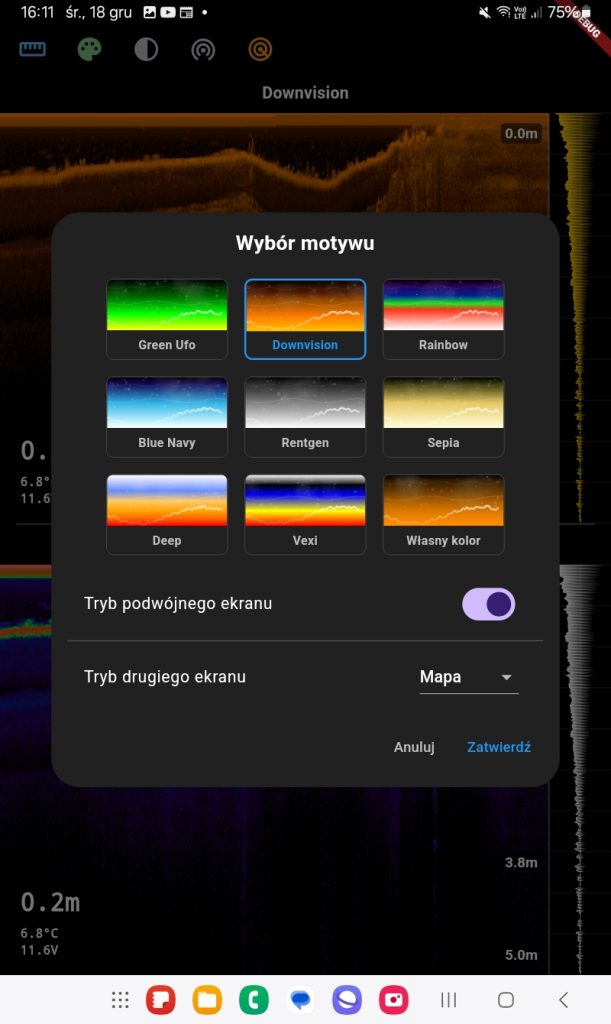
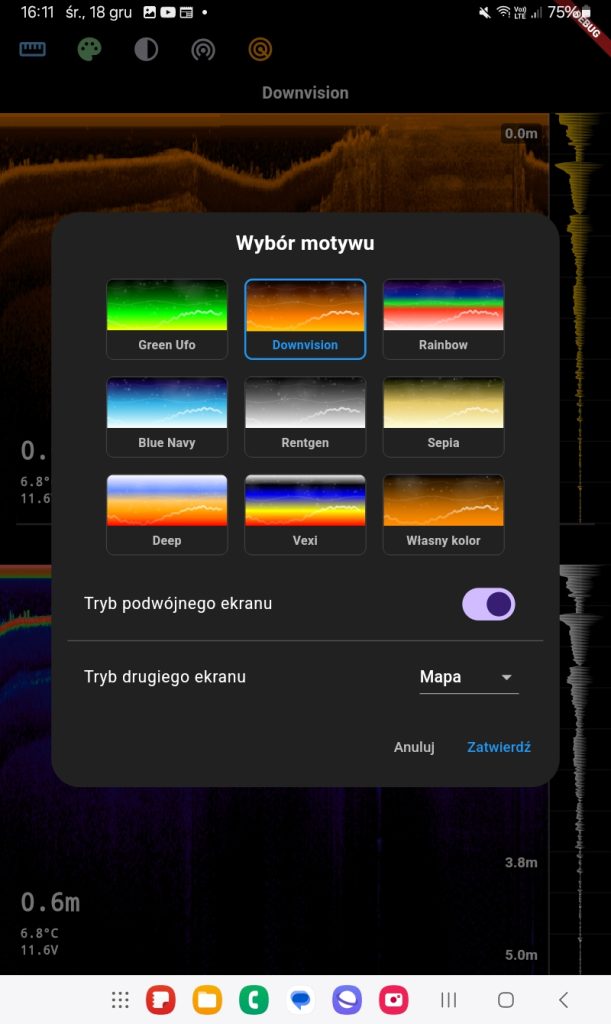
- Color theme selection:
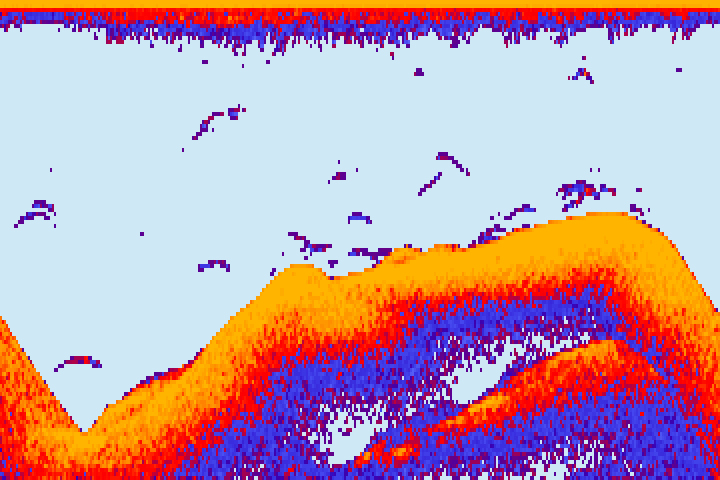
- Ability to choose different color palettes for fishfinder data visualization:
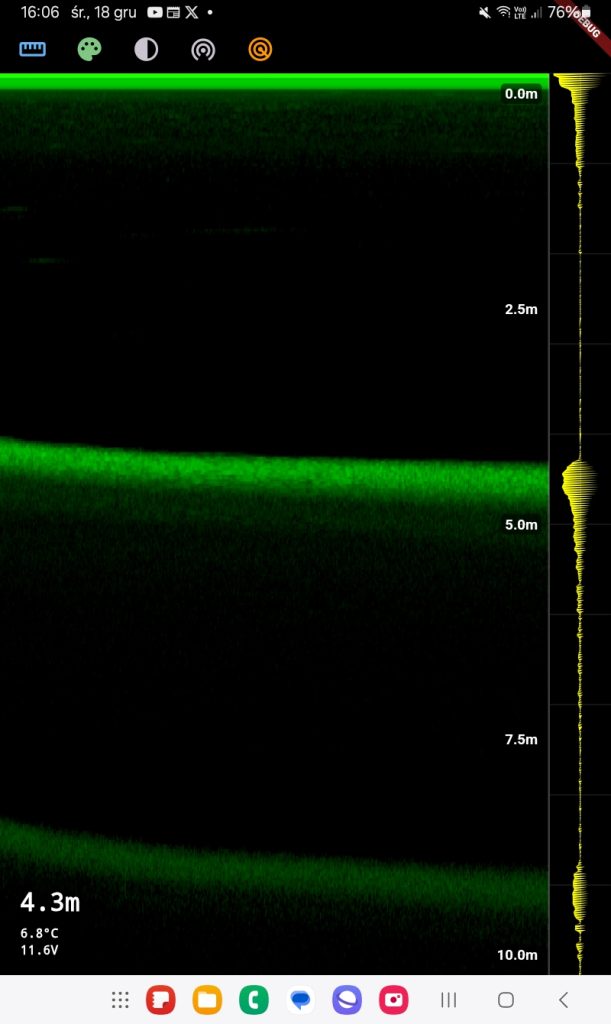
- Green Ufo (green shades),
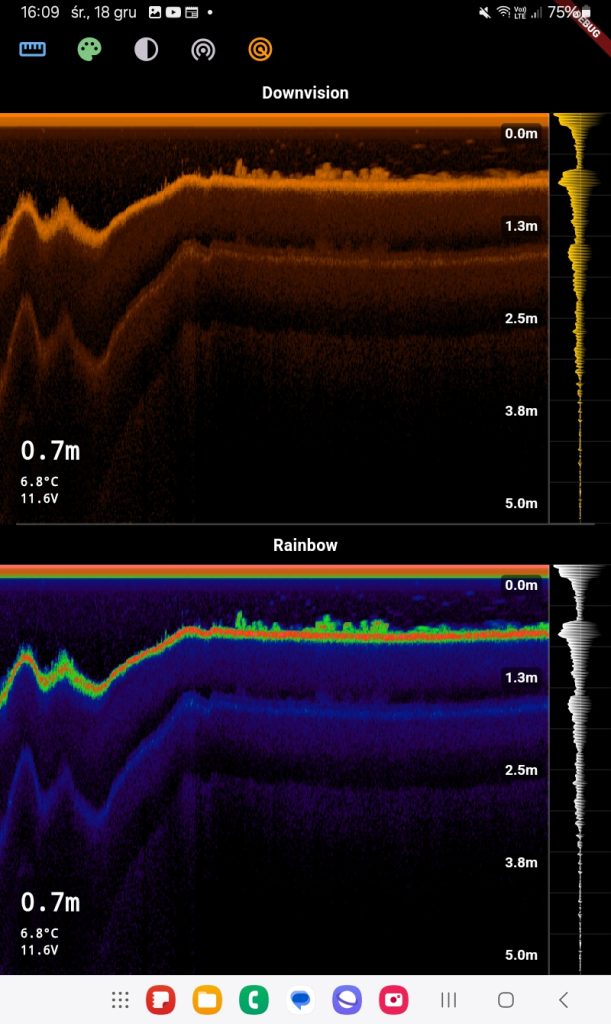
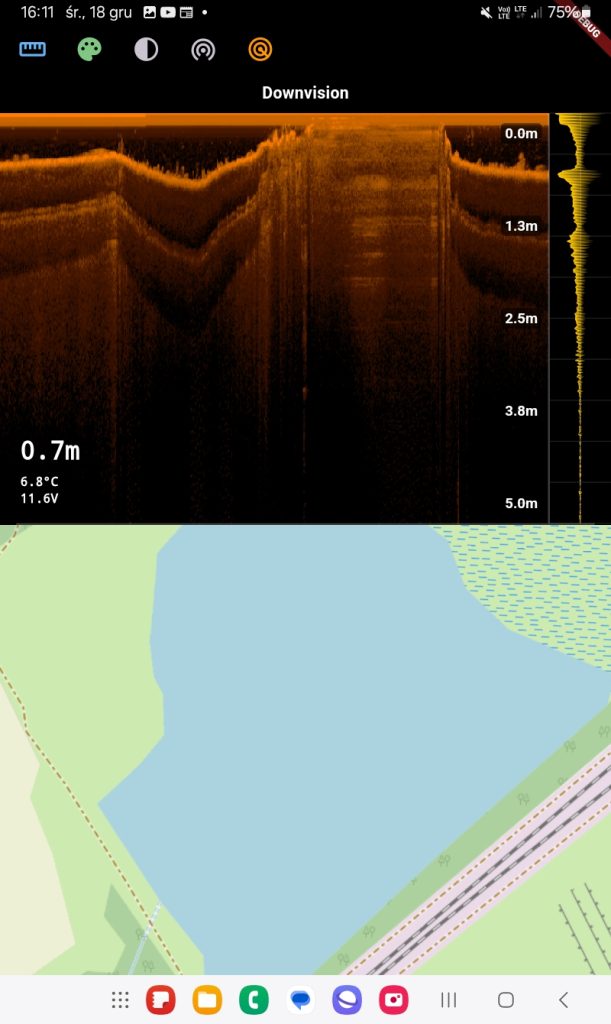
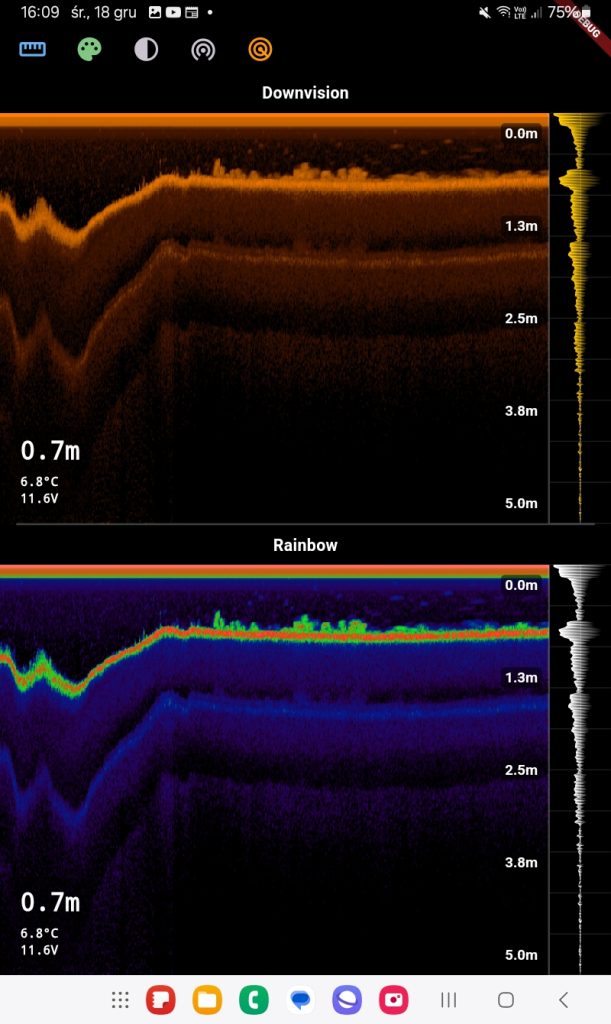
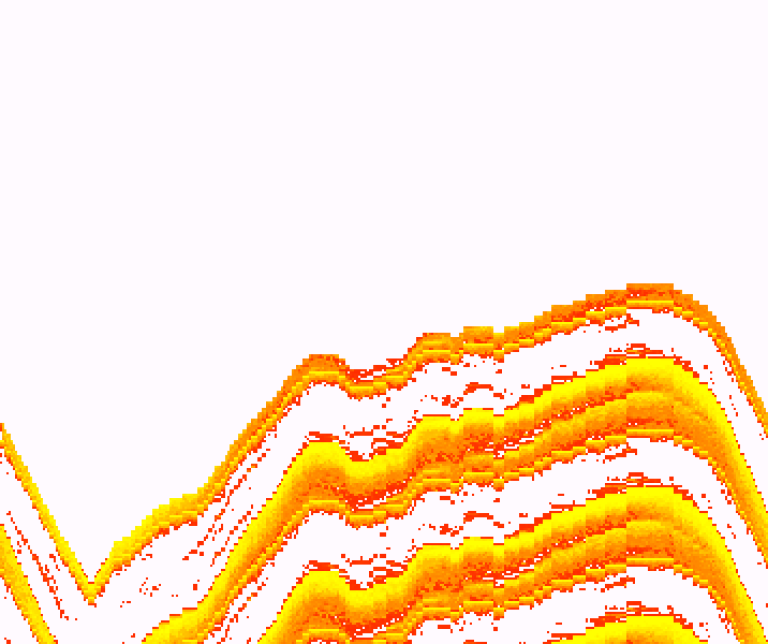
- Downvision (orange-brown contrast),
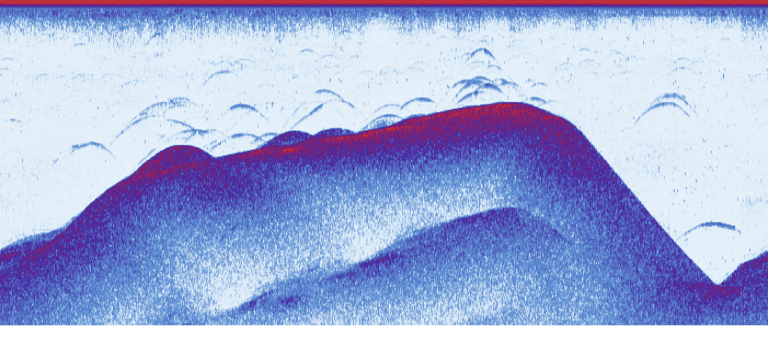
- Rainbow (full rainbow palette),
- Blue Navy, Rentgen, Sepia (other color schemes),
- Deep, Vexi,
- Custom color – option to customize your own scheme.
- Ability to choose different color palettes for fishfinder data visualization:
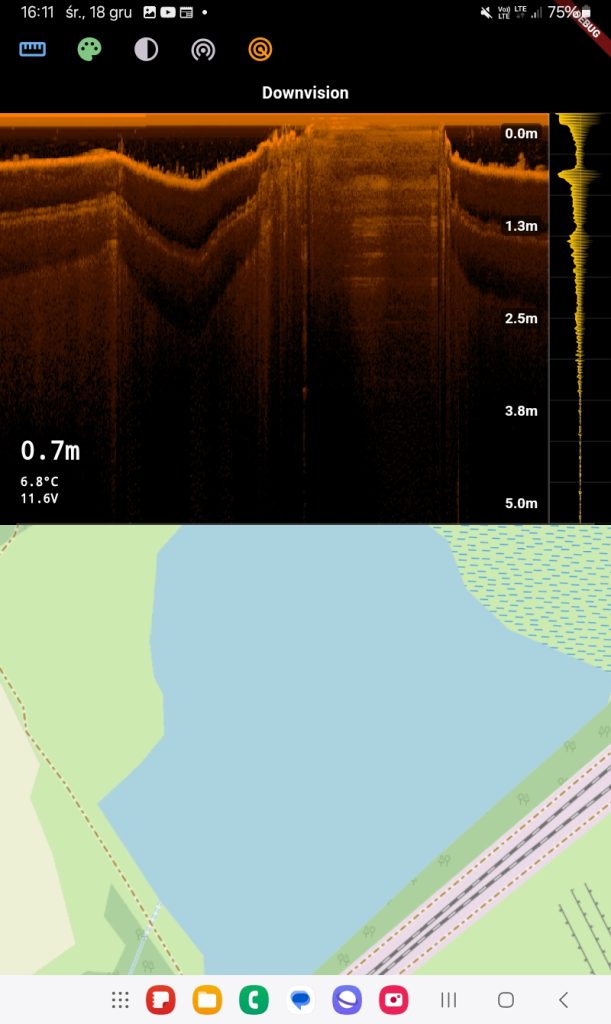
- Dual screen mode:
- Ability to display two different views simultaneously:
- One screen can show the map while the other displays fishfinder data.
- Images can be drawn in different color modes simultaneously.
- Ability to display two different views simultaneously:
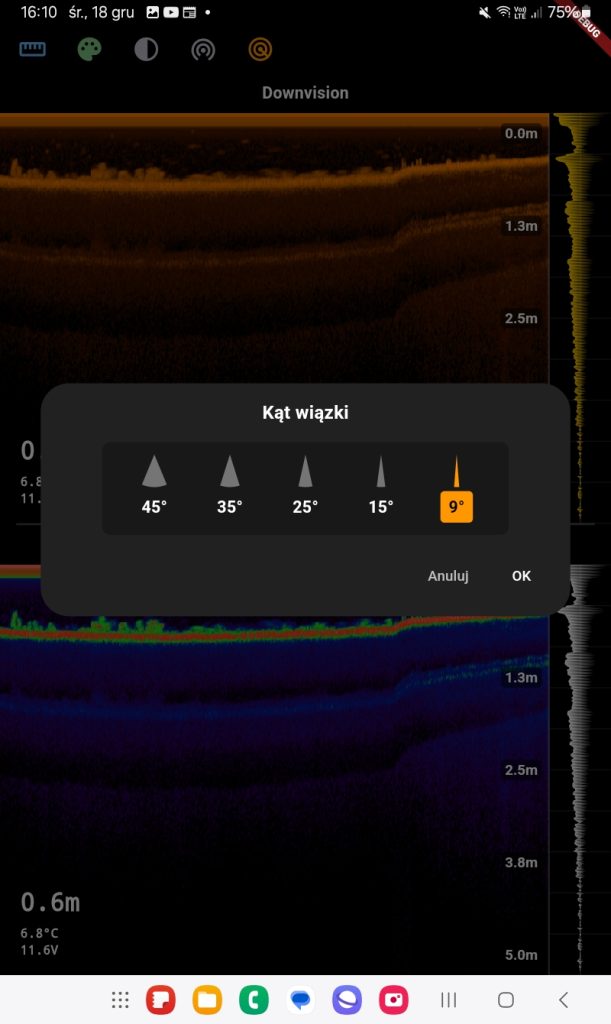
- Beam angle:
- The user has the option to adjust the fishfinder beam angle, which affects the width of the scanned area underwater:
- Available angles: 45°, 35°, 25°, 15°, 9°.
- Smaller angles provide more precise vertical readings, while larger ones allow scanning a wider area.
- The user has the option to adjust the fishfinder beam angle, which affects the width of the scanned area underwater:
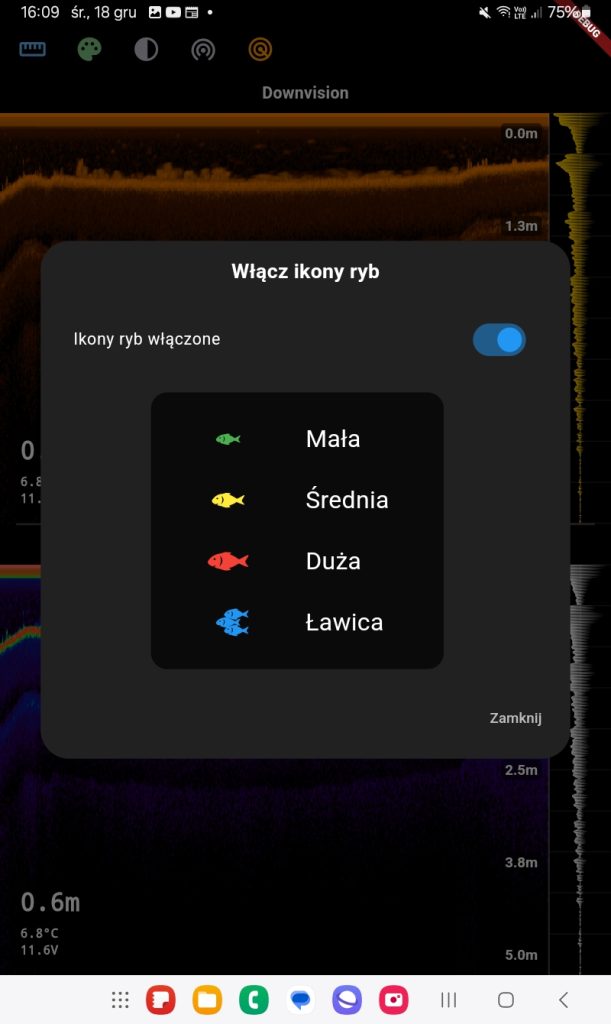
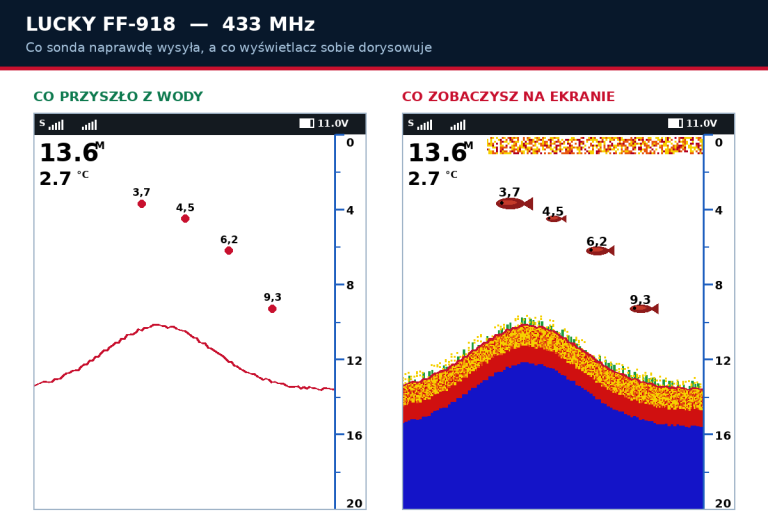
- Fish icons:
- Fish visualization feature in various sizes and schools as icons:
- Small fish – green icon,
- Medium fish – yellow icon,
- Large fish – red icon,
- School of fish – blue icons.
- Option to enable/disable this feature.
- Fish visualization feature in various sizes and schools as icons:
- Depth meter and temperature:
- Depth parameters and water temperature are displayed.
- Examples: 0.7 m (depth), 6.8°C (temperature).
- Dynamic drawing modes:
- Data can be presented in real-time with dynamic chart updates.
These features allow for precise analysis of bottom topography, fish location, and customization of views to user needs by changing beam angle, color schemes, and display modes.
 Asystent pomocy Extreme One