
Toslon on AX12: a new opening for TF500, TF520 and TF640
Toslon on AX12 opens up a new way of viewing and analysing fish finder data. TF500, TF520, TF640 and Manuowell M700 are the models featured in our presentation. What matters most, however, are the measurements: the sonar recordings and bottom model shown were created from real Toslon TF520 v2 data.
From sonar reading to a clear sonar recording
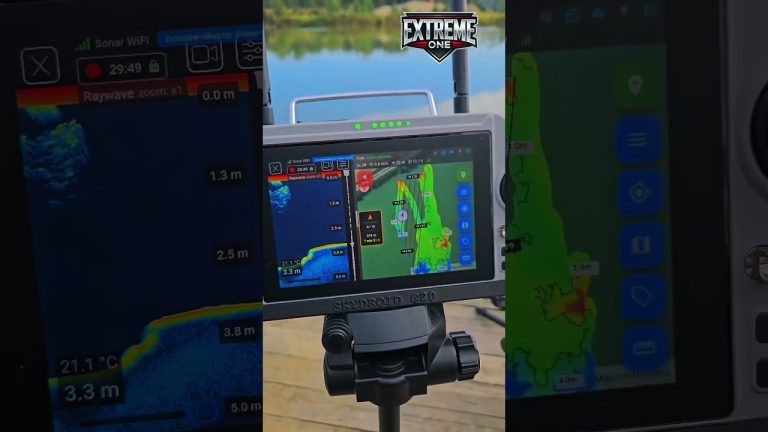
Since August we have been analysing readings, comparing measurements and refining how they are presented in Extreme One. The aim is to make it easier to look at the bottom profile, weaker returns in mid-water and interesting parts of a recording. The video shows work with data from the water, and below you will find original screenshots from the app.
37 colour palettes and your own colours
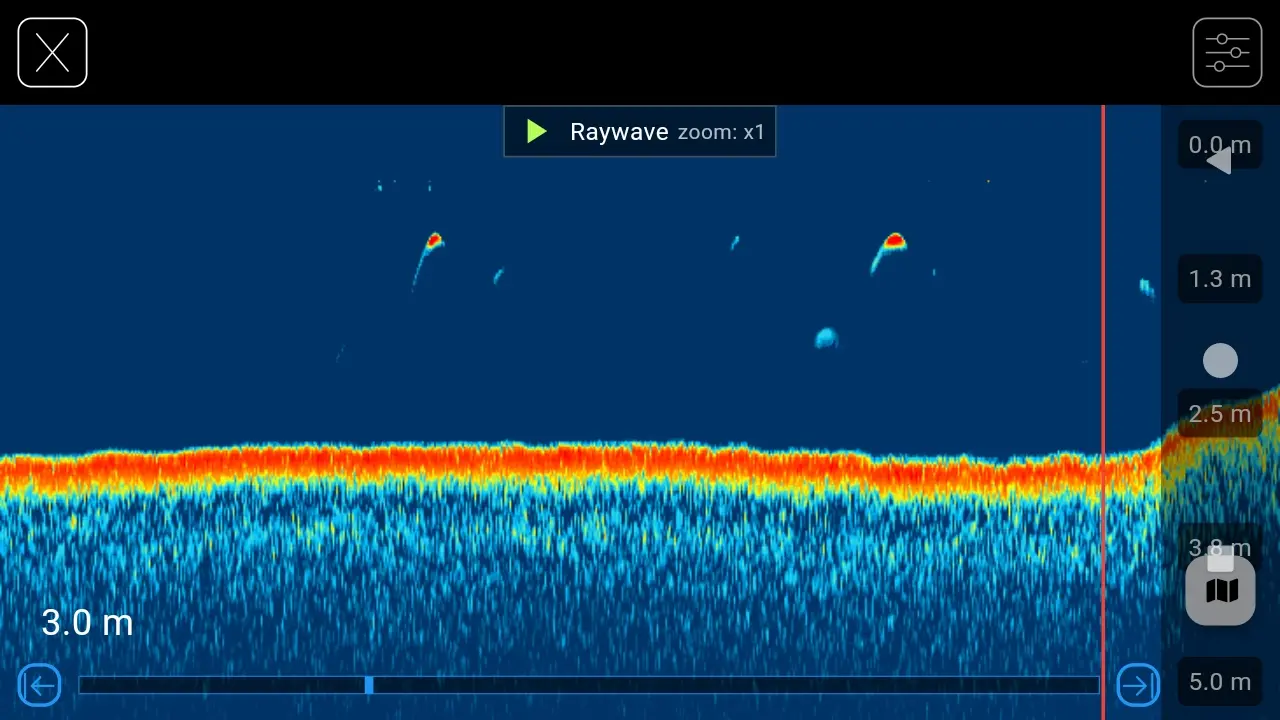
There are 37 ready-made palettes to choose from, and you can create your own. A different colour combination can make it easier to spot weaker returns, the bottom line or changes in echo strength. In the screenshots we compare Raywave, Spectrum Blue and Copper, among others. These are excerpts from a TF520 v2 recording shown in different themes.
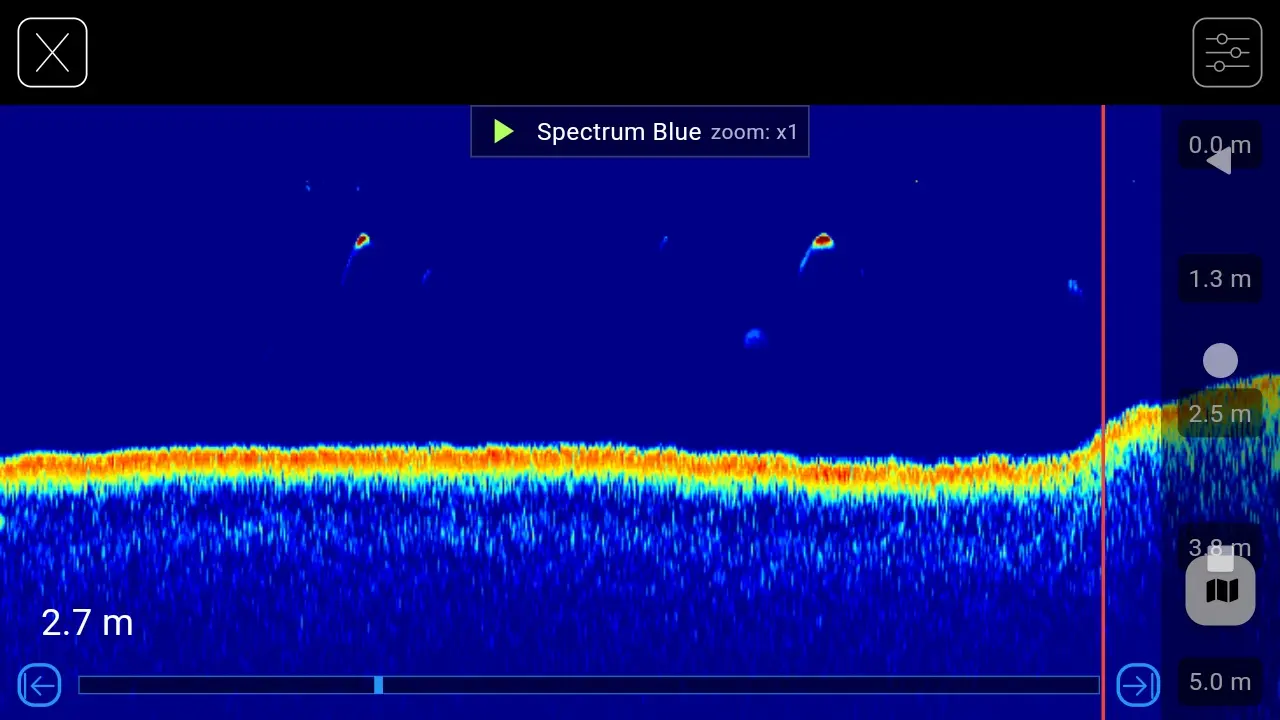
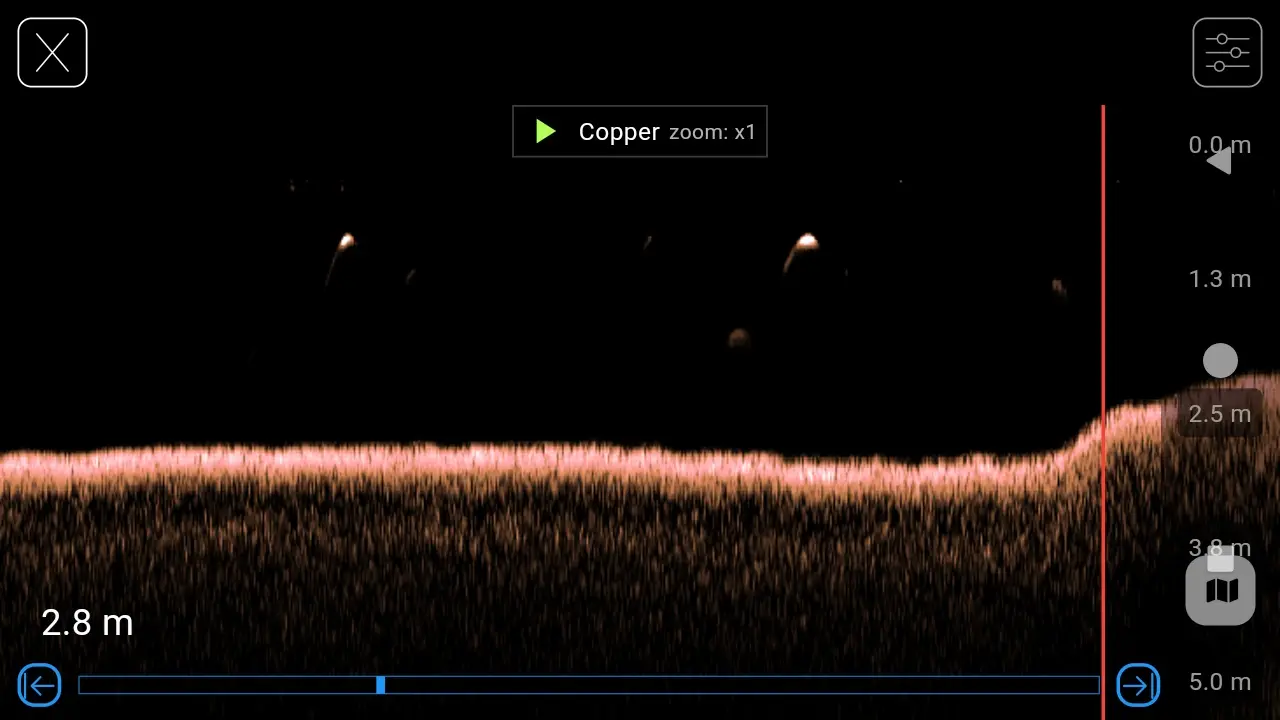
Changing colours and gain affects how the received signal is presented. You can adjust the image to your preferences, zoom into the sonar recording and return to a section that needs a closer look.
Toslon on AX12: sonar recording linked to the map
Each reading is linked to the place where the measurement was taken. While browsing the sonar recording, you can relate an interesting section to a position on the map, save a point and return to it on your next trip. Zoom lets you study a detail without losing the whole saved scan.
2D bathymetry and 3D bottom model from TF520 v2
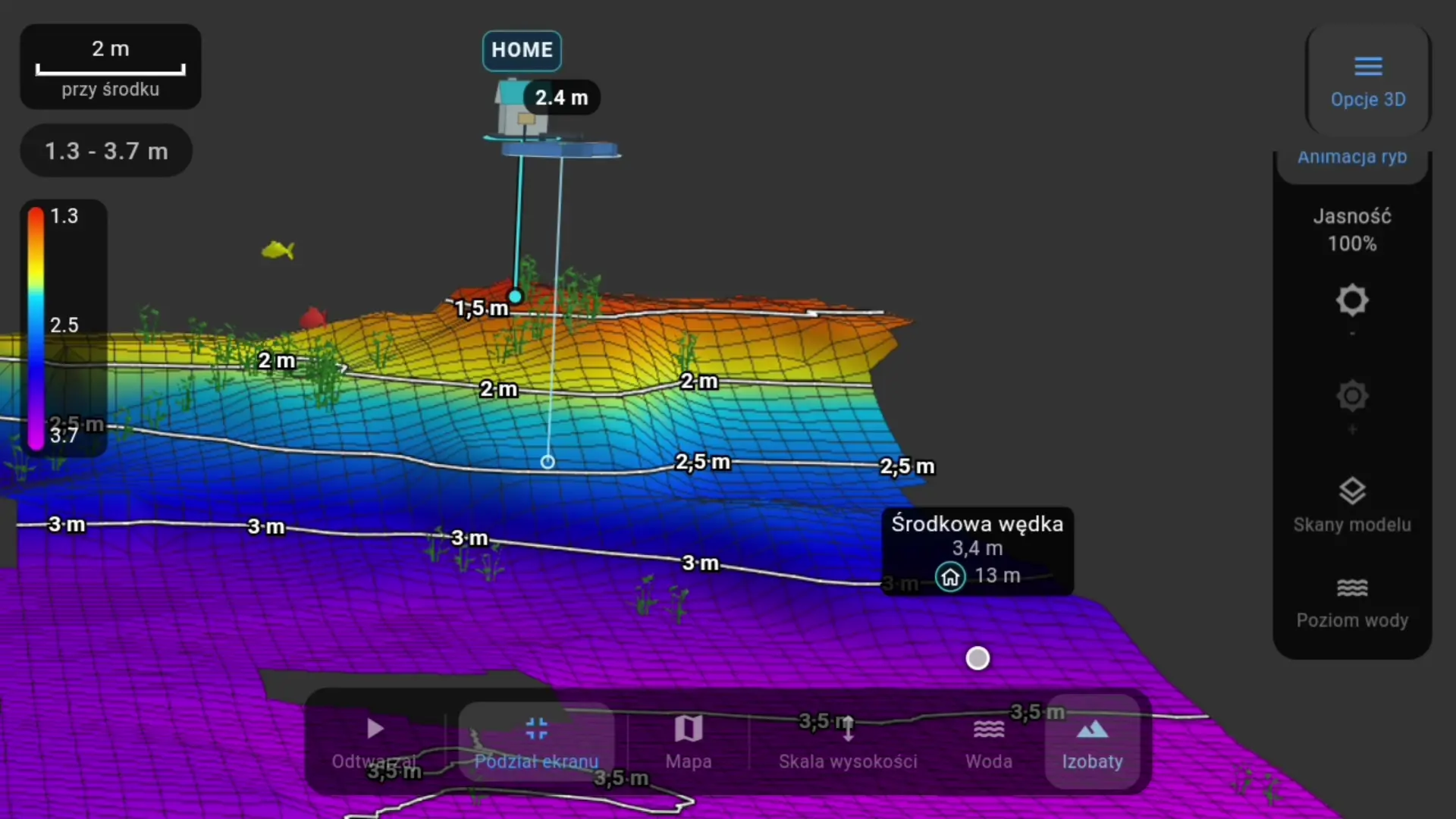
Saved depth measurements and positions are also used to build 2D bathymetry and a 3D model. You rotate the fishery and compare shallows, slopes and deeper parts of the lake. Depth contours and the legend help you read the level differences.
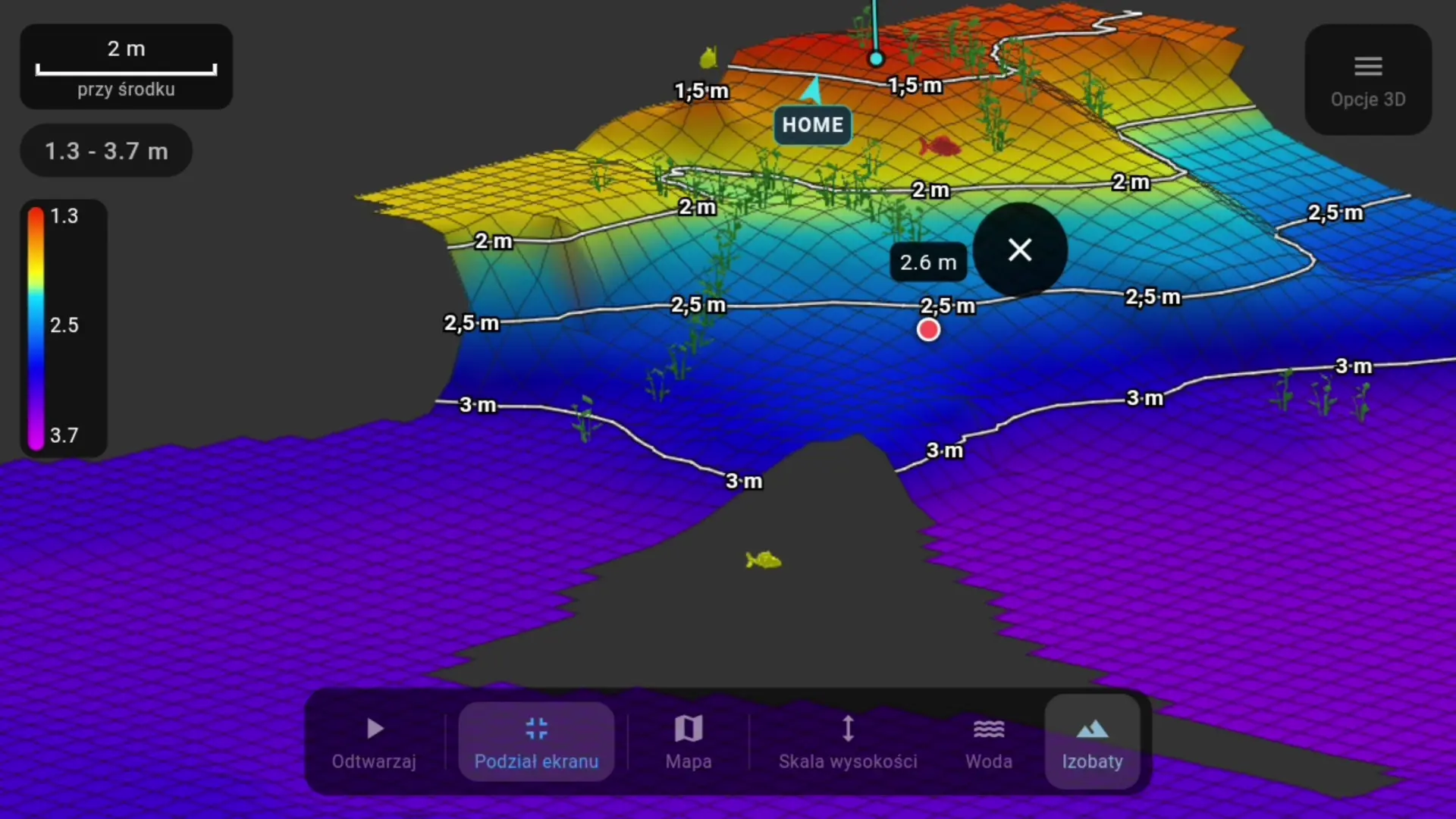
The example shows the transition from a shallower part to a deeper section of the fishery. You can view the model from different sides, measure distances and mark places to check again. The vegetation and fish indications shown are a visualisation of the app’s echo interpretation.
Do you need the original display?
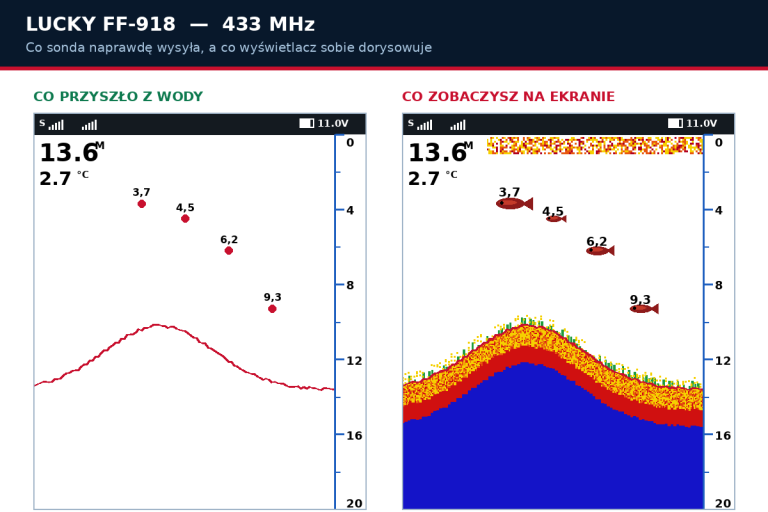
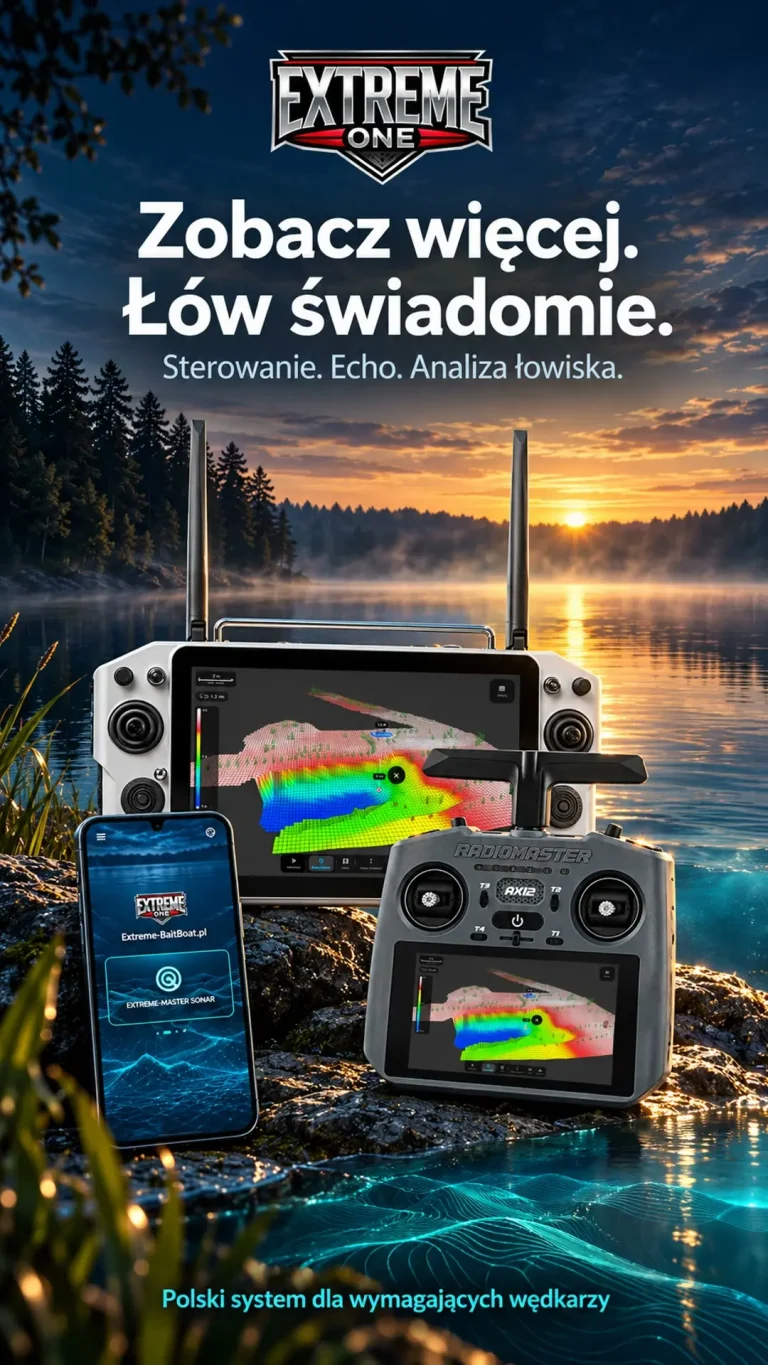
Once the sonar has been adapted to this configuration, you view the readings on the RadioMaster AX12 in Extreme One. The original display is then not needed for this way of receiving data. The choice of variant and the preparation of the equipment are carried out by the service centre according to the fish finder model.
The demonstration concerns integration with the AX12. Receiving a Toslon on an Android phone or tablet uses a separate, compatible module configuration. In this material we do not assume that every sonar can be connected to every transmitter in the same way.
Vexilar, Raymarine and the 11 November launch
The AX12 also supports Vexilar and Raymarine fish finder configurations. Upcoming presentations will show them working in Extreme One. We have scheduled the official AX12 launch for 11 November 2026, with sales and installation at authorised bait boat service centres.
In parallel, we are developing the narrow-beam Extreme Master Sonar S50. We want to offer an option for smaller budgets, designed for a more detailed look at what lies beneath the boat.
We thank Krzysiek for lending the TF500 and Masterboat for the TF520. Your equipment, recordings and feedback help us refine the whole integration. For us, quality and precision are what count. Extreme One. Expect more.
Toslon is a registered trademark of its owner. Model names identify the devices presented.
Toslon on AX12: how to compare themes
Choose the same section of a saved run and keep its scale while changing the palette. That way you compare how the signal is presented, not two different places on the bottom. First find the bottom line, then look at the weaker returns above it. Toslon on AX12 lets you go back through the history, so you do not have to make every decision while steering the boat.
When zooming in, also look at the neighbouring columns. A single coloured dot gives less information than the course of the echo over time. Combining the history with the position on the map helps you save an interesting spot to check again. Toslon on AX12 brings these steps together in one app: you view the measurement, check the location and keep your own observation.
Toslon on AX12 before your first trip
Give the service centre the exact model and variant of your sonar. Agree on the connection method and check reception on the prepared set. Then get to know how recordings are saved, how to choose a palette and the depth scale. The video and screenshots help you see what analysis of real readings looks like. Toslon on AX12 in this presentation uses TF520 v2 material, which makes the source of the image shown clear.
See also
Toslon: see the sonar recording in new colours and 3D bathymetry
Mapping from the boat and filling in an area: two new features
 Karpik Kroczek, asystent Extreme One