
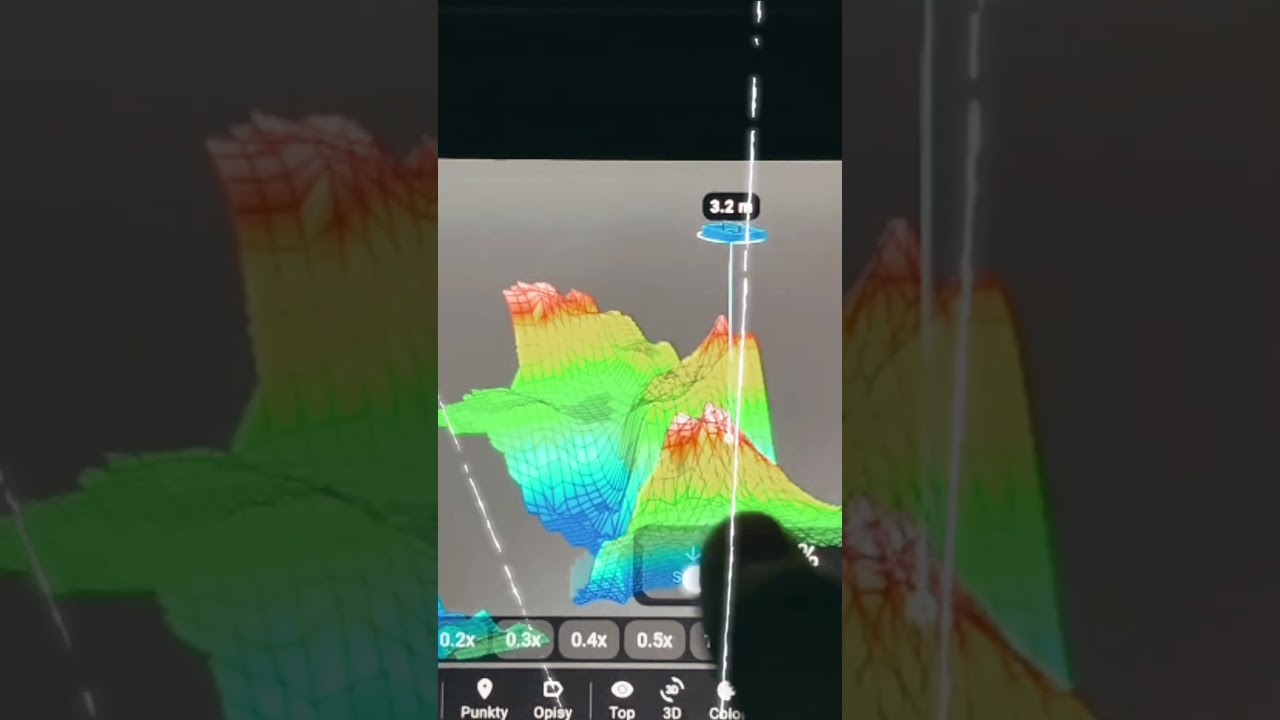
Bathymetry sharing in Extreme One, fish in 3D and underwater vegetation
Bathymetry sharing is the change most people have been waiting for. From now on you can pass the depth map you have built to other Extreme One users or to a chosen person, instead of keeping it only on your own device.
What bathymetry sharing gives you
Building a decent map of a fishing water takes time. You have to cover the lake in tight lanes, ideally on calm water, and it usually takes more than one session. Bathymetry sharing means that this work is not lost and you do not have to repeat it every time you change devices or a friend heads to the same water.
- passing the map to a friend who is going to the same water
- building a map of a large lake together with several people
- keeping the map when you switch to a different console
- comparing scans from different dates, for example before and after the water level drops
Other new features in this version
Fish in 3D
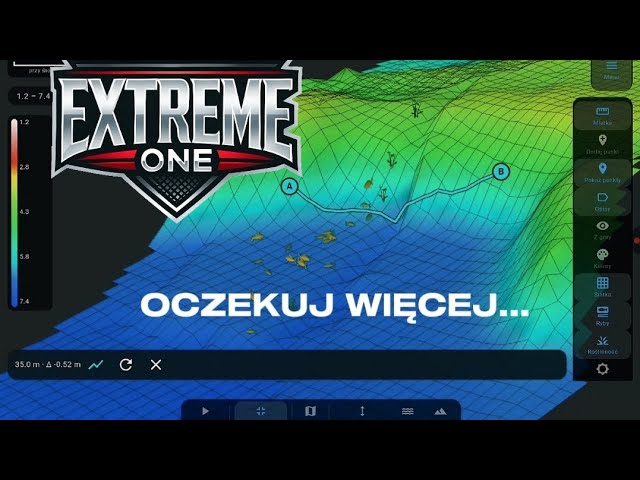
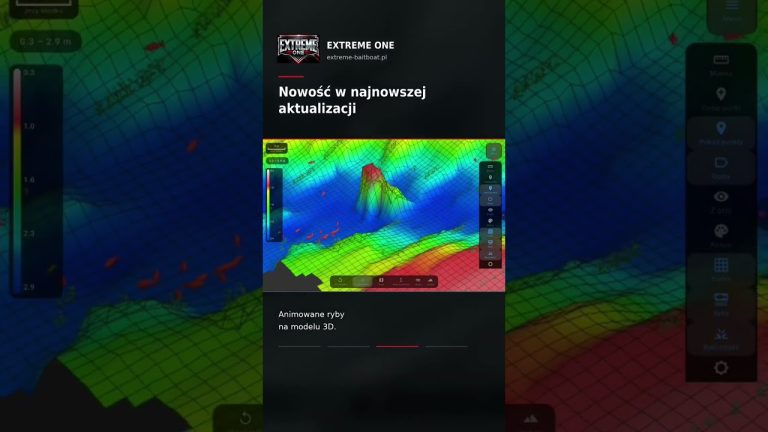
Fish echoes are placed on a three-dimensional model of the bottom, so you can see not only the depth they are holding at, but also how they relate to the structure: over a drop-off, in a gully or near a shallow area.
Underwater vegetation
The app highlights weed instead of treating it as part of the bottom. That makes a real difference when choosing a spot, because a hard, clean bottom and a weedy bottom call for a completely different approach to presenting your rig.
Water drain
A mode in which the lake model is shown as if the water level had been lowered. The bottom structure becomes readable straight away, without staring at colour gradients.
What you need to use it
The maps are built from a scan made with a fish finder that sends the full sonar cross-section, not just a single number describing the depth. In our set this is handled by the EXTREME-MASTER SONAR S300 working with the EXTREME-PILOT autopilot and the Skydroid G20 console.
Map quality depends above all on how dense your passes are. Bathymetry sharing passes the data on as it is: a good scan stays a good scan for the recipient, and a rough one stays rough.
How to build a map worth sharing
Bathymetry sharing makes sense when the map is good. A rushed scan will mostly pass the app’s guesswork on to the recipient, so it is worth spending some time on a first, thorough survey.
- run parallel lanes at a constant spacing instead of circling in random directions
- start with an outline of the bank so the app knows the boundaries of the lake
- add more passes where you see depth changes, because that is where most of the action is
- avoid scanning in waves – noise from the rocking transducer stays in the data forever
Frequently asked questions
Can the recipient edit a shared map?
The recipient gets the full set of bathymetric data and can work with it on their own device: view the model, measure, plan routes. Your original map stays with you unchanged.
Is a map of one water still useful when the water level changes?
The bottom structure does not change, so drop-offs, gullies and bars stay where they are. Absolute depths do shift, though, so after a bigger drop in water level it is worth doing a check run and comparing both scans.
Do fish in 3D show the species or size?
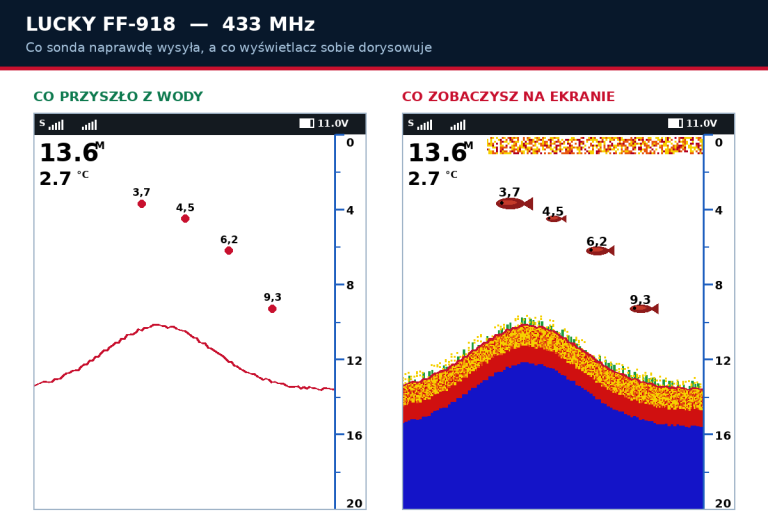
No. A fish finder records the strength and shape of the return, not the species. A marker in the 3D model tells you that at a given spot and depth there was an echo with fish-like characteristics – nothing more. Any interpretation beyond that is guesswork, regardless of the equipment manufacturer.
Why would anyone need someone else’s depth map
Contrary to appearances, bathymetry sharing is not mainly about sharing knowledge of a water with strangers. The most common uses are much more down to earth: a team travelling to a match together splits the lake into sectors, everyone scans their own, and then they put it all together into one map. Or someone changes console and does not want to start from scratch.
There is also the reverse scenario worth keeping in mind: a map you pass on to someone stays with them. If the water is your private spot, the decision to share is one-way, so think it over before you tap.
All the features described here work within the same Extreme One app. If you updated it recently, also check out the new screen themes from version 2.1.112. We show further new features as they arrive on our YouTube channel.
 Asystent pomocy Extreme One