

Fishing zone in Extreme One – your own area on the water set with 4 points (beta)
The fishing zone is a new feature of the Extreme One app, currently available in beta testing. With four points you mark your own area on the water on the map and assign it to a specific fishing venue and swim. From then on, the app makes sure your bait boat does not leave the boundaries you have set.
How to set up a fishing zone
You create the zone from four corners. You can mark each of them with your finger on the map or take it from the current position of the boat. The second method comes in handy when the boundaries of your swim are marked by buoys, poles or distinctive points on the bank: you drive the boat to the corner and save the position with a single button.
The finished area is saved together with the name of the venue and the swim number. When you come back to the same place, you do not have to draw it again.
What happens outside the zone boundary
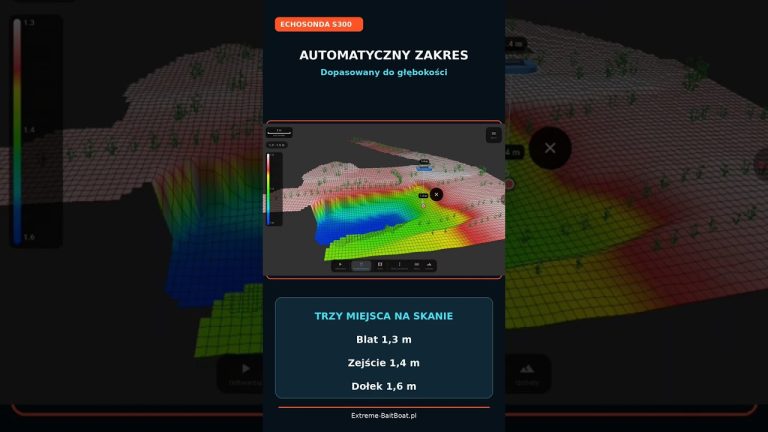
The app marks the area outside the zone with a red grid, so you can see right away where your area ends. But that is not all:
- the app will block saving points outside the zone,
- you will not be able to start navigation to a target lying beyond the boundary,
- the HOME point must also be inside the zone,
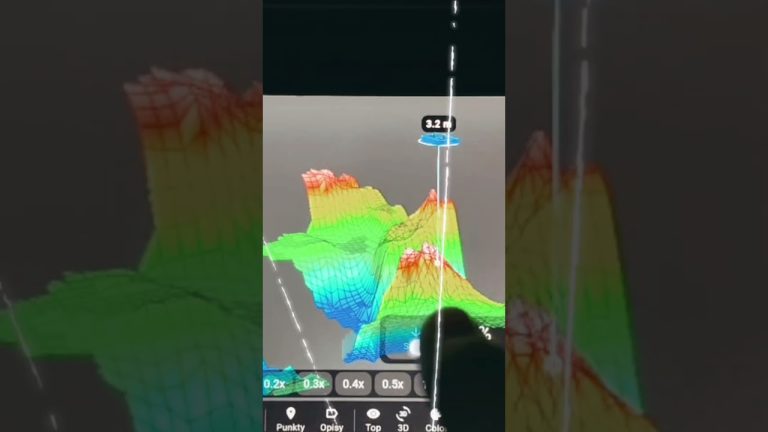
- you can use the zone boundaries to prepare a bottom mapping plan.
The last point means you only scan where you actually fish. You do not waste time or battery sailing around your neighbour’s water, and the bathymetry map of your swim is ready sooner.
Fishing zone in carp matches
The feature was designed with carp matches and commercial fisheries in mind, where every angler is assigned their own peg or sector. Driving your boat into someone else’s swim during a match is a sure way to an argument with your neighbour or a penalty from the judge. The fishing zone works like an electronic fence: even in a hurry or when baiting at night, you will not send the boat where it should not go.
In recreational fishing, the zone is useful on waters where boating is banned in part of the lake, near swimming areas or close to reed beds, where it is easy to lose sight of the boat.
Which equipment it works on
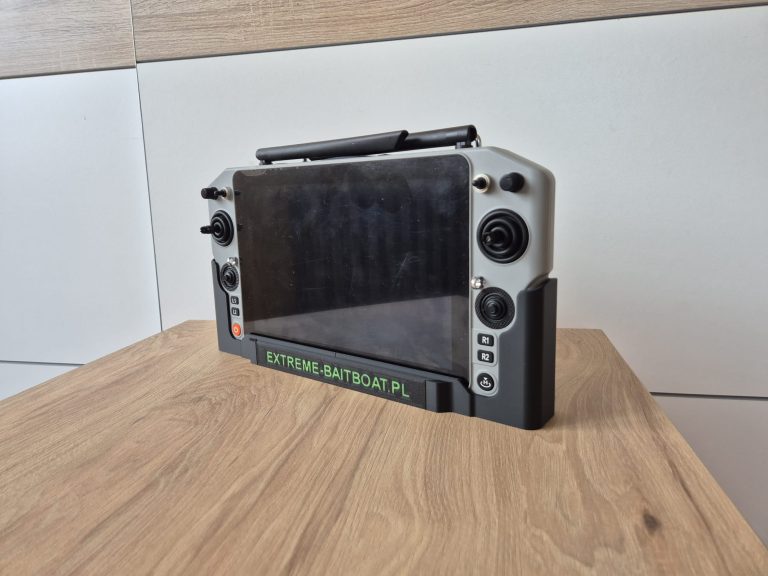
The feature works on Skydroid consoles and on the RadioMaster AX12 transmitter, which our second product line EXTREME ONE ECONOMY is based on. On the boat side you need the EXTREME-PILOT autopilot, and for the mapping plan also a fish finder, for example the EXTREME-MASTER SONAR S300.
Beta version – we are waiting for your feedback
This is a test version, so we encourage everyone to try the fishing zone out on the water. Every opinion counts: what works, what gets in the way, what is missing. The easiest way to send feedback is straight from the app via Menu → Report a bug or idea, or you can write a comment under the video on our YouTube channel.
What it looks like in practice on your swim
Imagine a typical weekend at a commercial fishery. The swims are numbered, there are buoys or poles between neighbours, and the rules say clearly that you may only bait on your own stretch of water. When you arrive, you select the venue and swim number in the app, and your area appears on the map straight away. Everything outside it is covered with a red grid.
From that moment on, you do not have to watch the boundaries with your own eyes. If you mark a spot too close to your neighbour, the app simply will not let you save it. If you pick the wrong point on the list at night, the boat will not go to the wrong place, because a target outside the area is rejected before the start.
Less stress, fewer disputes on the bank
A dispute over a rig placed too close or over bait dropped on someone else’s stretch is one of the most common causes of conflicts at fisheries. An electronically marked area removes this problem at its source. You can be sure you are fishing in your own water, and if in doubt, you can show the boundaries on the screen to your neighbour or the judge.
Match organisers, in turn, can prepare the sectors in advance and share them with the participants, so that everyone has exactly the same division of the water on their map. This is a direction we want to develop together with you, which is why feedback from the beta tests is so important.
Frequently asked questions about the fishing zone
Can the fishing zone have a shape other than a rectangle?
The zone is defined by any four points, so it does not have to be a perfect rectangle. You can match the corners to the shape of your swim, the bank line or the layout of the buoys marking the sectors at a match.
What if the boat ends up outside the fishing zone?
The zone blocks saving points and sending the boat to targets beyond the boundary. Manual control from the transmitter still works, so you can always steer the boat back into your area, for example when the wind pushes it away.
Can I have several zones on different waters?
Yes. Each area is assigned to a specific venue and swim, so you can prepare a separate area for every match or favourite spot and select it when you arrive at the water.
Does the feature work in the phone app?
At launch, the feature is available on Skydroid consoles and the RadioMaster AX12. We will announce further platforms in our news section and on our YouTube channel.
 Asystent pomocy Extreme One