
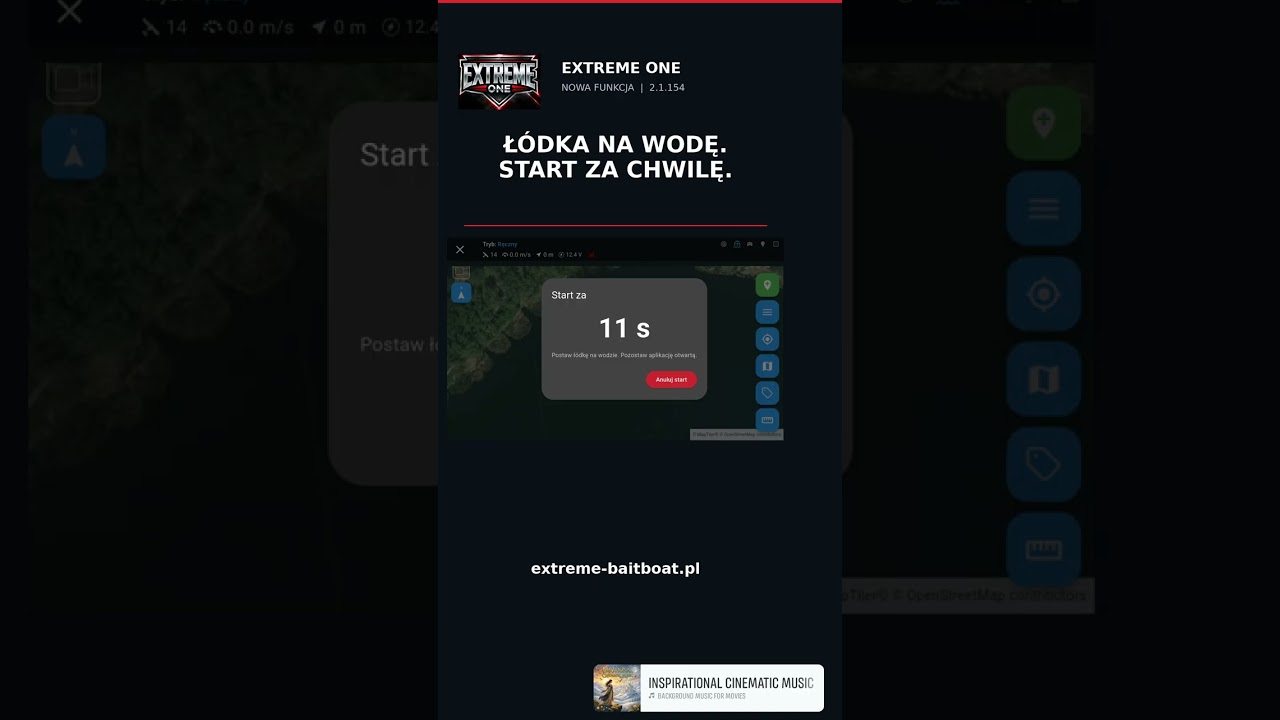
Bait boat start delay – 15, 30 or 60 seconds for a calm launch
Start delay is a new, optional feature in Extreme One. You pick a point on the map, set 15, 30 or 60 seconds and press “Send”. The transmitter can stay on its stand, and you have both hands free to calmly put your bait boat on the water.
Why you need a start delay
You know the drill: the boat is loaded, the spot is selected, and now you have to hold the transmitter, bend down over the water and lower several kilograms of boat at the same time, without flooding the hopper. On a high bank or a jetty, it is pure acrobatics. A start delay separates these tasks: first you send the order, then you launch the boat, and the autopilot only sets off once the countdown is over.
How the start delay works step by step
- you choose the target point on the map or from your list of saved spots,
- you set the countdown time: 15, 30 or 60 seconds,
- you press “Send” and put the transmitter down,
- the countdown runs on the screen, and you can stop it at any moment with the cancel button,
- when the countdown ends, the app checks the conditions once more and only then sends the target to the autopilot.
Setting it to 0 seconds keeps the previous way of starting, so if you prefer to send the boat out immediately, nothing changes for you.
What to keep in mind
The app has to stay open during the countdown. With some ways of connecting the transmitter to the boat, a moment is needed on top of the set time to transfer the point, so the start may come a few seconds later than the counter shows.
The countdown works well together with waypoints: a planned route that steers around your rigs only starts once the boat is sitting calmly on the water.
Availability
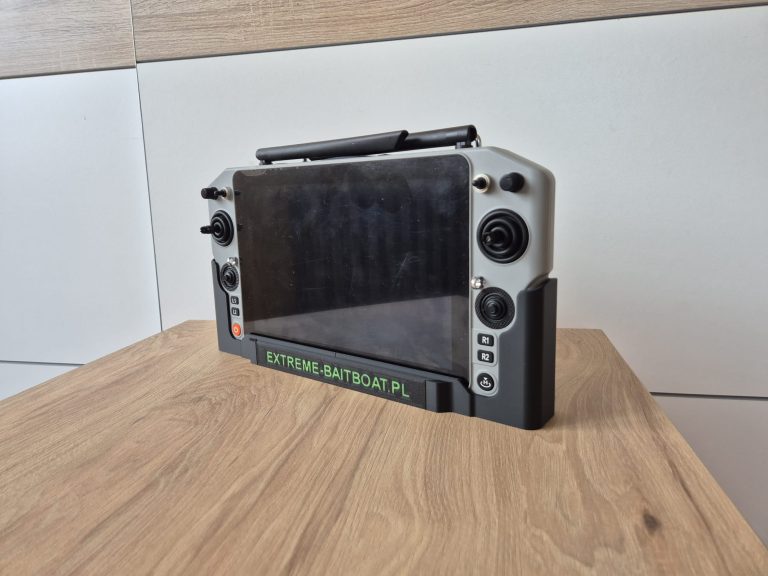
The feature is available in Extreme One 2.1.154 on Skydroid consoles and on the RadioMaster AX12. To get it, open the menu and choose “Check for updates”. It requires an EXTREME-PILOT autopilot in the boat.
On phones and tablets, the feature is currently available to people who have signed up for testing. Work is under way on a refreshed mobile app, with a look and controls consistent with the Skydroid version. We show further new features as they come on our YouTube channel.
When it helps the most
The feature came from a simple observation: most mishaps with a bait boat do not happen in the middle of the lake, but at the bank, at the moment of launching. Here are a few situations in which a few dozen seconds of margin make a big difference:
- fishing alone – there is nobody to hold the transmitter while you wade into the water in your waders,
- high bank or jetty – the boat has to be lowered onto the water with both hands, without rushing,
- baiting at night – in the dark it is easier to make a mistake, and putting the boat down calmly means less stress,
- heavily loaded hopper – with a full load, every sudden movement risks spilling the bait right by the bank,
- onshore wind – the waves push the boat back to the bank, so it is worth pointing the bow towards the swim first.
Safety when launching
A spinning propeller right next to your hands is a real risk of a cut or of catching a line or the cord of your landing net. When you know the boat will only set off after a dozen or so seconds, you can calmly let go of it, pull your hands back and step away from the water. That is why we recommend using the countdown especially on your first trips with a new boat, before you get the hang of it.
It is also important that the app does not send the target blindly when the countdown ends. It first checks the conditions once more and only then passes the point to the boat. If something has changed, for example the connection has dropped, you get a message instead of an unexpected start.
Frequently asked questions about the start delay
Does the start delay work with waypoints?
Yes. The countdown applies to the moment the route is sent to the autopilot, so the boat will follow the planned waypoints only after the countdown has finished.
What happens if I close the app during the countdown?
The app has to stay open during the countdown. If you close it or switch to another one, the target will not be sent and the boat will stay where it is. In that case, simply select the point again.
How do I stop the countdown before the start?
There is a cancel button on the countdown screen. One press stops the start, and the boat does not receive any command. It comes in handy when, while launching, you notice that the hopper is not fully closed or something has got tangled in the propeller.
Which time to choose: 15, 30 or 60 seconds?
On a low bank and with a light boat, 15 seconds is usually enough. On a jetty, on a high bank or with a heavily loaded boat, it is better to set 30 or 60 seconds so you do not have to hurry.


 Asystent pomocy Extreme One