
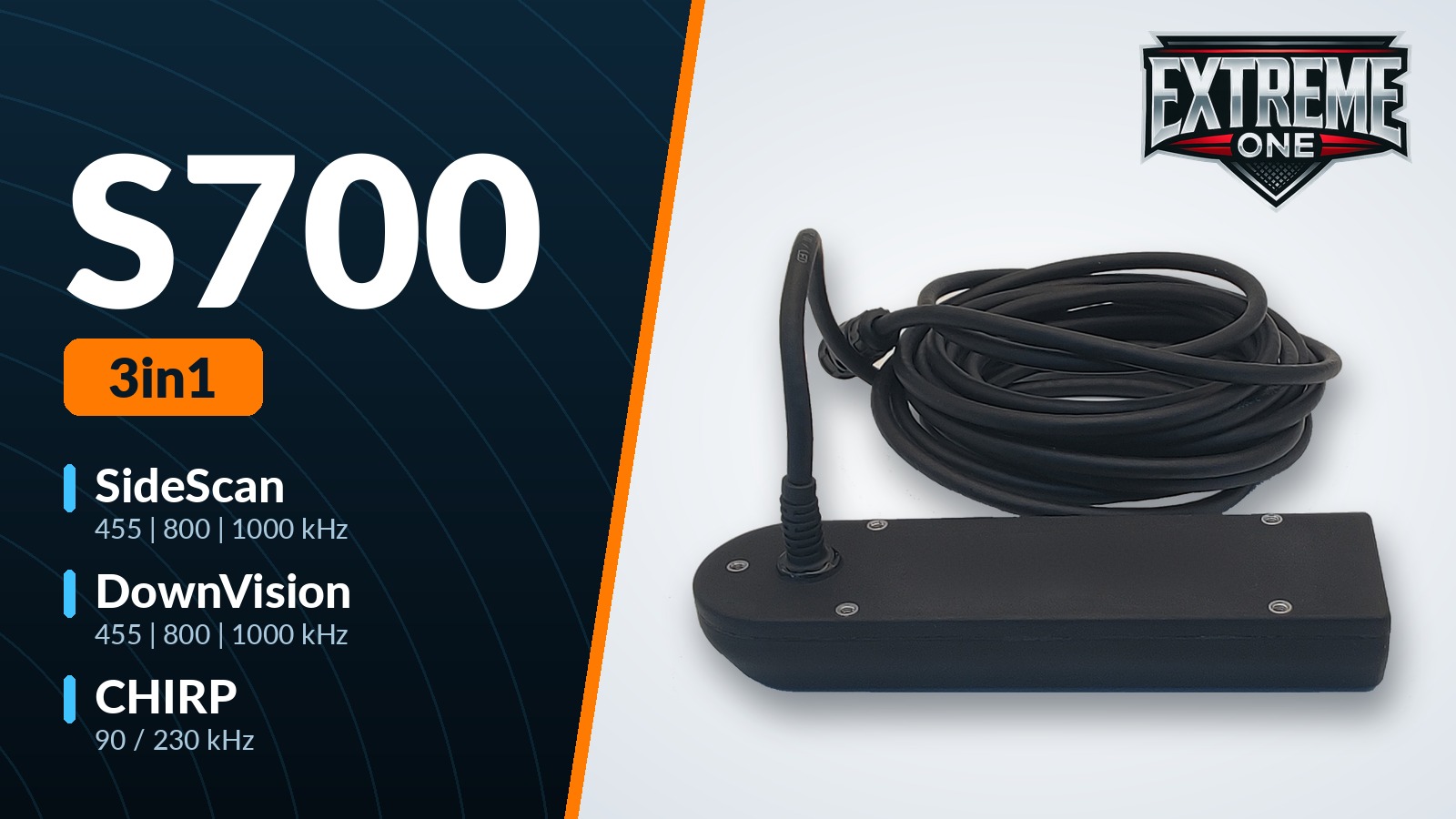
S700: 3-in-1 fish finder with SideScan, DownVision and CHIRP in Extreme One
The S700 is the new 3-in-1 fish finder for bait boats in the Extreme One range. A single transducer delivers three image types: SideScan, DownVision and CHIRP, and you watch all of them at the same time on the Skydroid screen. Below I explain what each of them shows, how to read a side scan and who this unit is for.
S700: three images on one screen
Until now, a fish finder in a bait boat showed a single echogram from under the hull. The S700 takes three independent acoustic measurements, each with its own transducer. This is not one signal displayed in three ways, but three different views of the same water.
- SideScan, or side scan sonar. It shows the bottom to the left and right of the boat. Frequencies: 455, 800 and 1000 kHz.
- DownVision. It shows the detail of the bottom directly beneath the boat. Frequencies: 455, 800 and 1000 kHz.
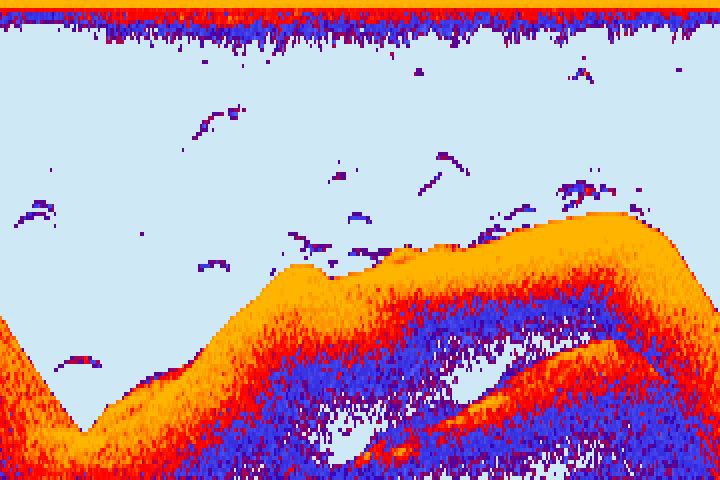
- CHIRP. It shows the water column and the bottom, in other words the echogram you know best. Frequencies: 90 and 230 kHz.
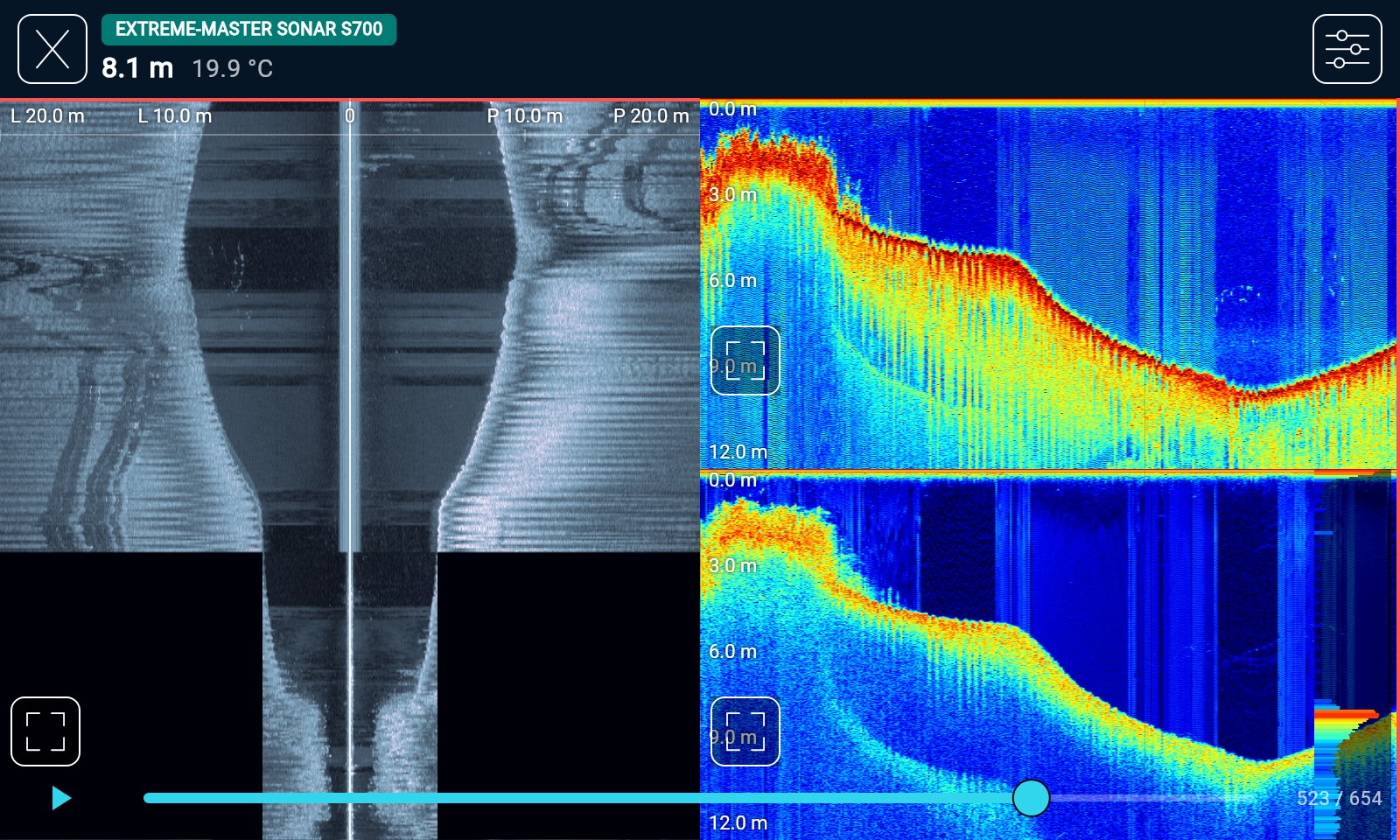
SideScan on a bait boat: how to read a side scan
A side scan looks unusual at first, but it quickly becomes your most valuable source of knowledge about a water. The vertical line in the middle is the path of the boat. On the left you see the bottom off the left-hand side, on the right the bottom off the right-hand side. The dark band right next to the line is the water beneath the boat: the wider it is, the deeper the water.
Hard features reflect more strongly, so they appear brighter. Behind an obstacle that stands proud of the bottom, a shadow forms. Its length tells you whether you are looking at a low stone or a tall stump. Drop-offs, plateaux and the edges of weed beds form clear lines that you simply cannot see on an ordinary echogram.
The side beam is thin in the direction of travel and wide out to the sides, like a fan. The image is built up strip by strip as the boat moves, so it is best to keep a steady speed and a reasonably straight course. The principle is well explained in the NOAA description and in the article on side scan sonar.
In the app, you press and hold on an object visible in the side scan. The app gives you its estimated position, and you save it as a fishing spot.
DownVision and CHIRP: what is beneath the boat
DownVision gives a sharp, detailed image of the cross-section beneath the boat. Where a classic echogram shows a single blob, DownVision often separates it into branches, stones or a clump of weed.
CHIRP is the echogram you know from every fish finder. It is the most convenient view for watching the water column and judging how hard the bottom is. The two images of the same place complement each other: CHIRP shows that something is there, and DownVision helps you understand what it is.
Which frequency to choose
The rule is simple: the higher the frequency, the more detail and the shorter the range. In side scan and in DownVision you have three settings to choose from.
- 455 kHz: the widest strip of bottom and the longest range. Good for a first look round a big water.
- 800 kHz: a sensible compromise between range and image sharpness. Range up to 90 m.
- 1000 kHz: the most detail at close quarters. Range up to 30 m, which is just right for a careful look at a spot.
Three images on the bank: how to use them
- Cover the water in even lanes with the side scan set to anything from a dozen to several dozen metres per side. In a few minutes you will see a bottom layout that would take hours to work out spot by spot.
- When something interesting appears on the image, for example the edge of a plateau, a lone stump or a strip of hard bottom, point to that place with your finger and save it as a spot.
- Go back over the saved spot and look at it from above in DownVision and CHIRP. You can check the depth, the hardness of the bottom and what is happening in the water column.
- Switch on recording. At home you can replay the whole pass at your leisure, together with the map and the boat’s track.
What the S700 can do in the Extreme One app
- One, two or three images at once. There are 9 live screen layouts to choose from.
- A separate colour palette for each panel and zoom up to 8x.
- Ranges from 2 to 150 m, a basic mode with automatic range and an expert mode.
- Depth, water temperature and supply voltage always on screen.
- All three channels saved to a single file and a separate scan library.
- A player with a map and the boat’s track, plus a copy of the scan in the cloud.
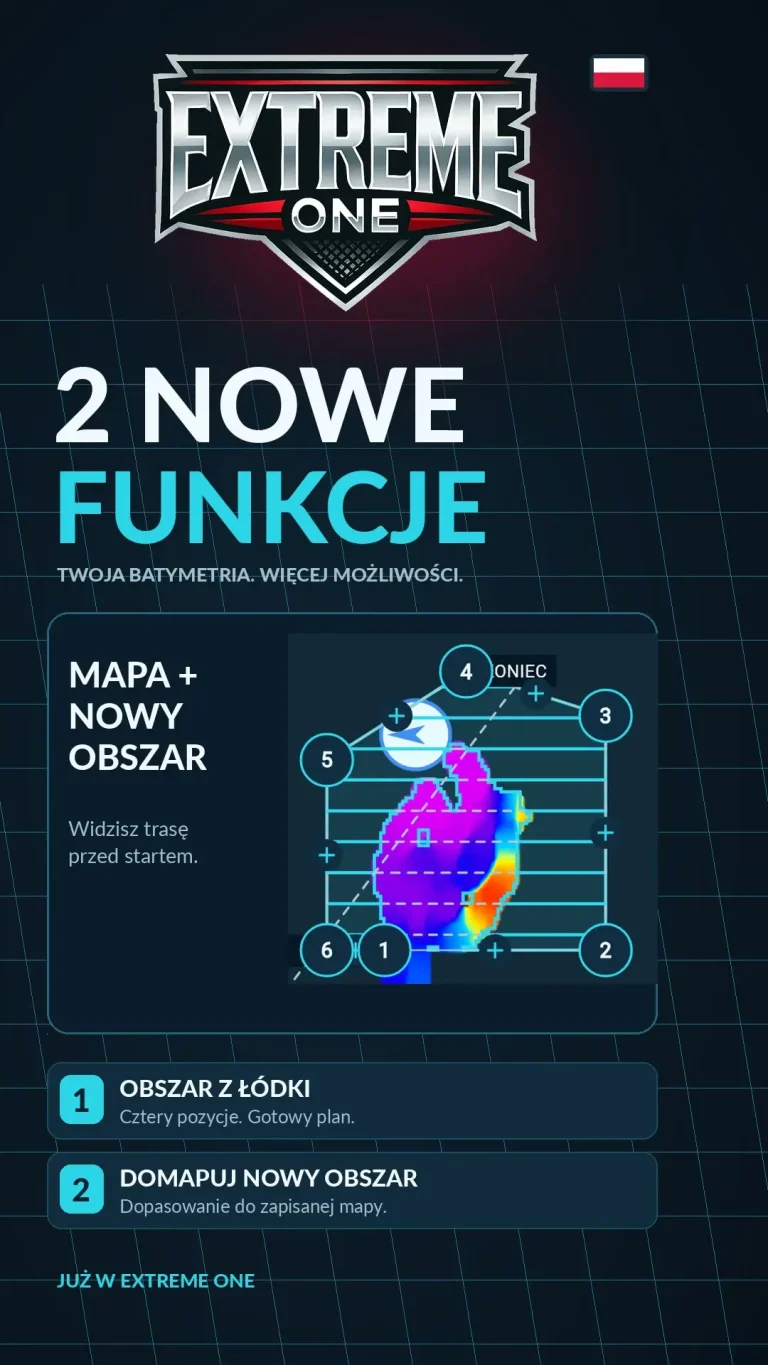
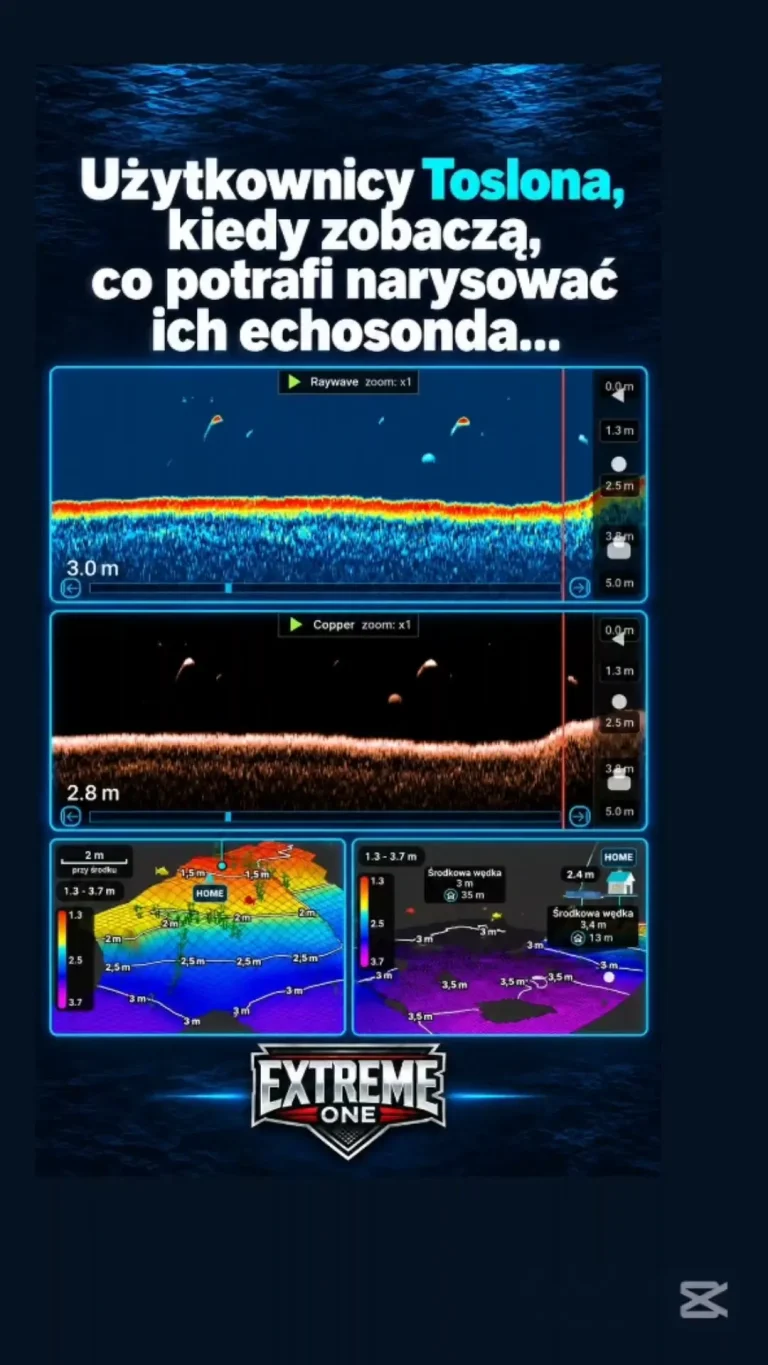
- From a recording, the app prepares an echogram, a 2D map and a 3D model of the bottom.
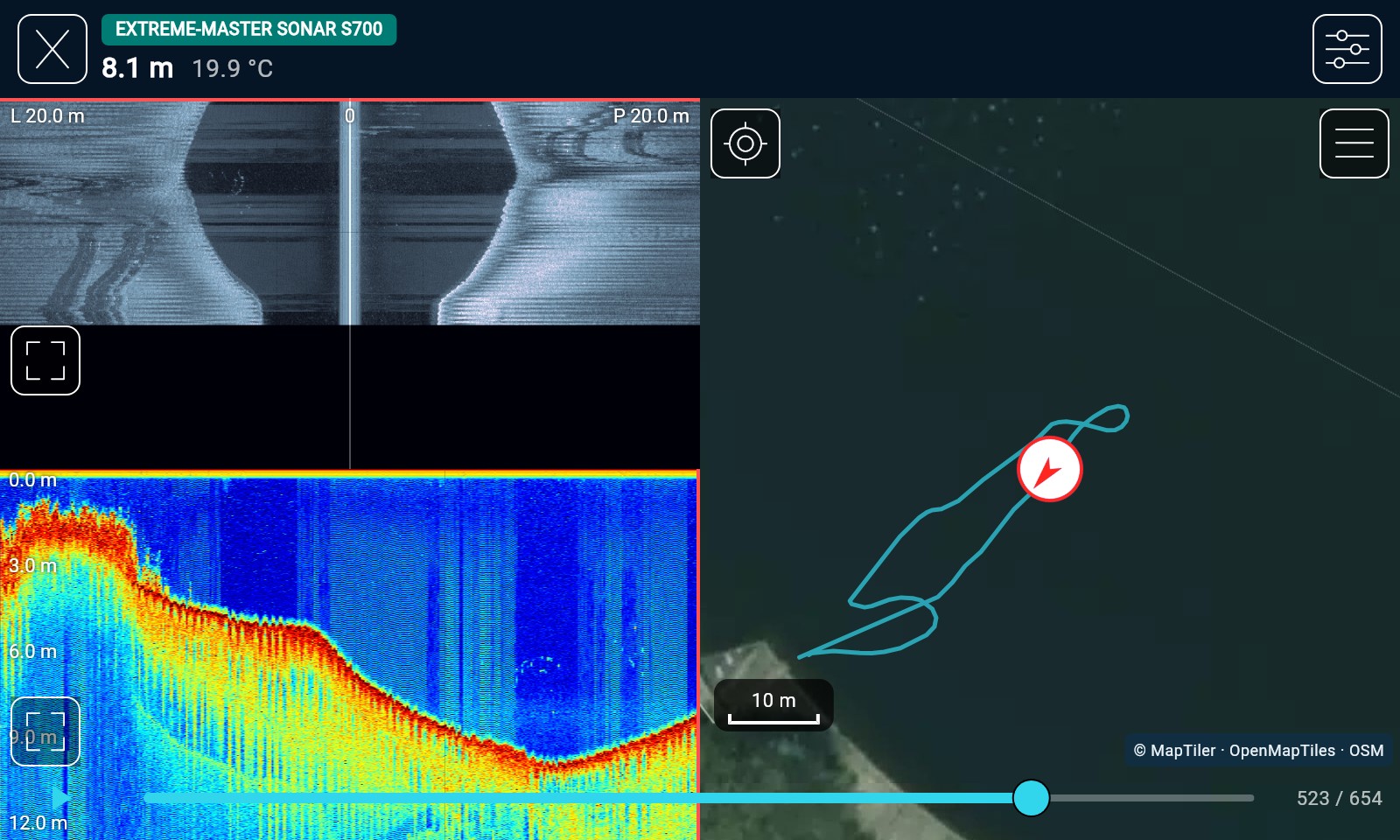
An honest word about the limitations: the maps and the 3D model are built from the DownVision channel and need recorded GPS data. Side scan shows a picture of the bottom, but it does not measure depth. Treat the fish icons that the app may add as a hint, not a guarantee.
S700 live: video from the trade show in Kielce
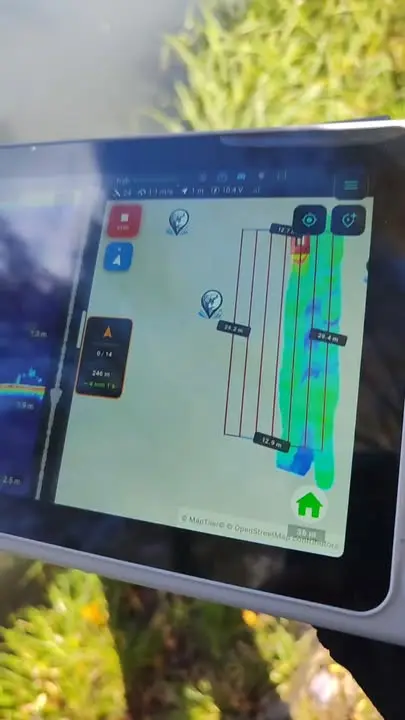
I showed the S700 on the ProLam stand at the angling trade show in Kielce. In the video you can see the screen during the sonar demonstration.
Who the S700 is for, and who the S300 is for
Choose the new model if you explore large or unfamiliar waters and want to see the bottom to either side of the boat as well. If a precise echogram from under the boat and bathymetry are enough for you, the EXTREME-MASTER SONAR S300 is still a very good choice.
S700 price and availability
- 4900 PLN incl. VAT is the price of the S700 fish finder on its own.
- Sales start on 1 December 2026.
- The S700 fish finder is available only in bundles with a Skydroid.
- We tested the S700 with Extreme One on the Skydroid G20 and G30 consoles.
Before ordering, write to us or give us a call. We will match a bundle to your boat and confirm how it should be fitted.
Extreme One. Expect more.
 Karpik Kroczek, asystent Extreme One