
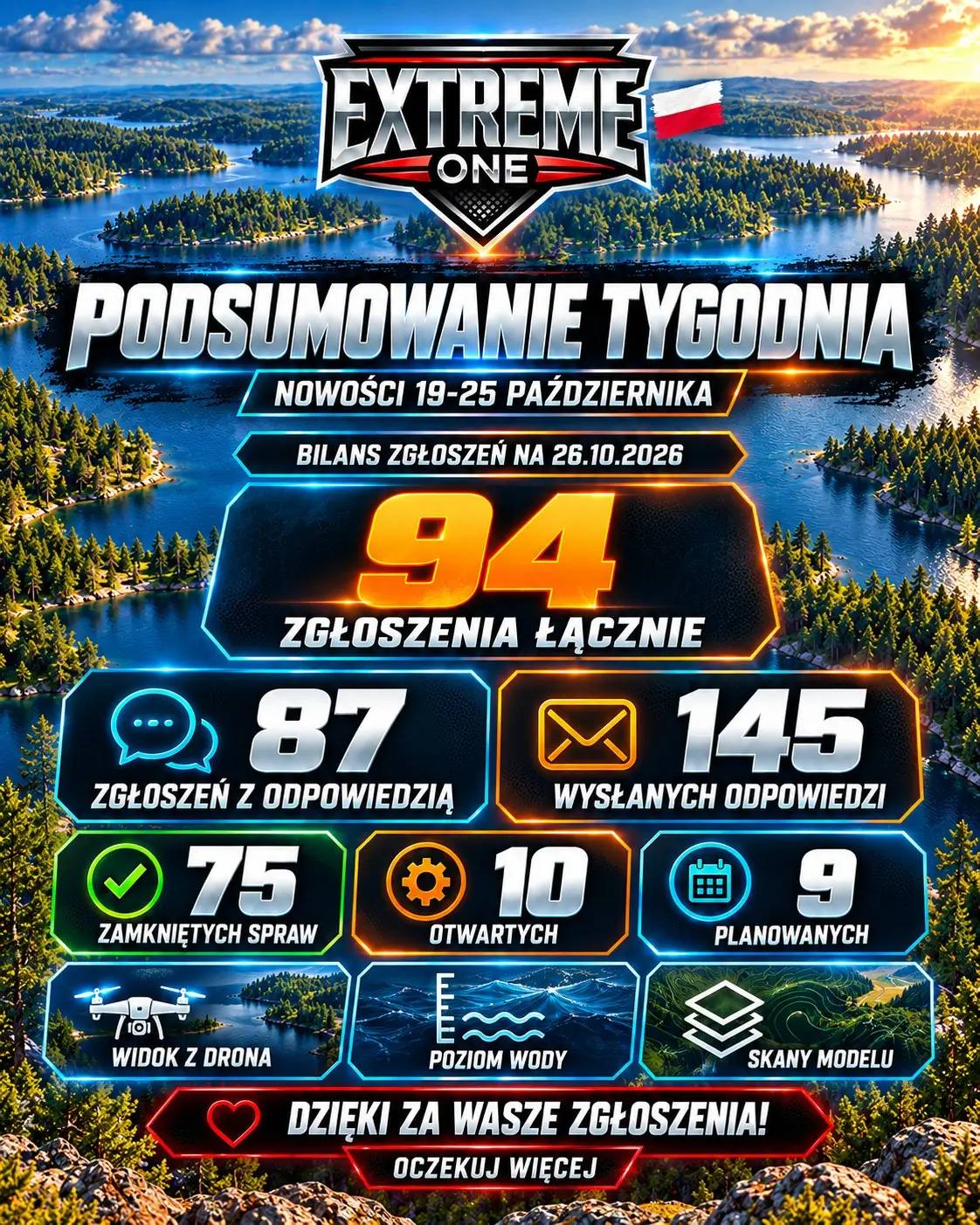
Extreme One: 94 reports and new features as of 26 October
Extreme One reports cover users’ bugs, questions and ideas. The summary of 26 October shows the overall total since we started tracking reports, as well as the features developed over the last week.
Status as of 26 October 2026
- 94 reports in total.
- 87 reports answered, with 145 replies sent.
- 75 cases closed.
- 10 cases open.
- 9 ideas marked as planned.
This is the historical status on the date of the summary. A single case may need several replies, analysis of a recording or confirmation on the water that a fix works.
Maps and scan analysis
- Google Maps, road and satellite, in My scans.
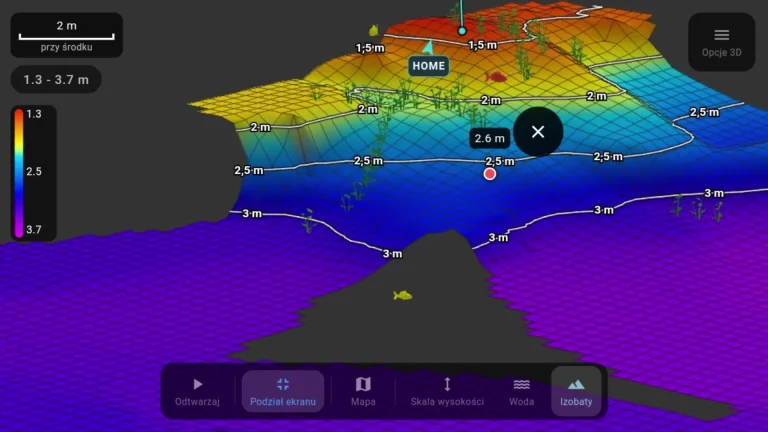
- Drone view with tilting and rotating the map together with the bathymetry.
- Water level correction based on measurements or a manually entered value.
- Defining the mapping area from four GPS positions of the boat.
- Choosing which recordings are used in the 2D map or 3D model, with exclusions remembered on the device.
Sonar support and everyday convenience
Raymarine received shared intensity, sensitivity and scale settings, and a choice of CHIRP, DownVision or both channels. The channels are recorded together, regardless of the selected screen layout. We also continued work on Toslon support and added extra line avoidance distances: 1, 2 and 3 metres.
The summary of release 2.6.45 included a smaller camera panel with plus and minus buttons on G20, G16 and AX12, a clearer water level correction label and messages that can be closed. On top of that, fixes for HOME, the sonar recording library, cloud backups and full screen.
Thank you for your detailed reports, photos and videos. They help us find the cause of a problem and prepare a fix.
Extreme One reports: how to read the case totals
In this summary, the counters cover the whole history of reports up to the given date. That is a different scope from the previous post, which covered only new topics from a single week. The number of replies is also not the number of closed cases. One report may need a clearer description, a recording to be sent and another message after the fix has been checked.
In the overview, Extreme One reports are divided into closed cases, open cases and planned ideas. Together that makes 94 topics described as of 26 October. This split shows not only how much has been done but also which cases still need work or a decision. A planned status does not mean a shared release date has been set for all the suggestions.
Extreme One new features for viewing a fishery
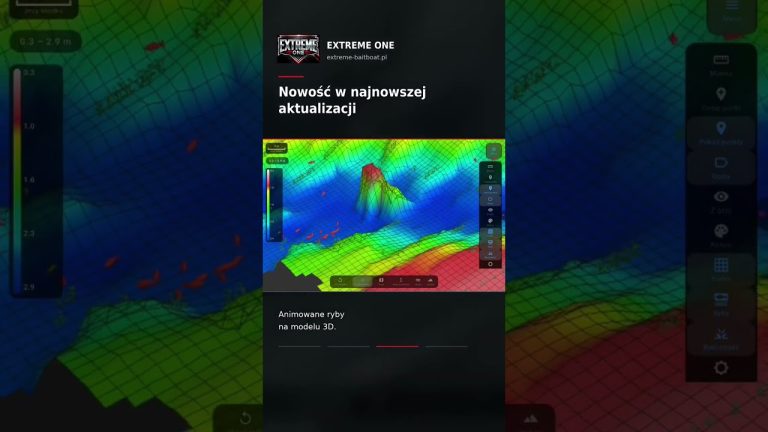
Google Maps in My scans makes it easier to relate saved bathymetry to its surroundings. Drone view lets you tilt this image and look at it from another perspective. Water level correction addresses yet another need: adjusting depths to a change in the lake’s water level. Although these features meet on the map, each solves a separate user problem.
Choosing the recordings used in the model helps you understand what the terrain you are looking at was built from. If you want to compare the map without one particular run, you can turn off that material and recalculate the view. Remembering the selection on a given device reduces the need to repeat the same steps. Extreme One reports often concern exactly this kind of continuity when returning to a scan you opened earlier.
Raymarine and tidier image settings
Shared intensity, sensitivity and scale tools are meant to make operation easier without hunting through several separate panels for similar tasks. With multi-channel sonars it is also important to show which image an adjustment applies to. The user should know whether they are changing the CHIRP or DownVision setting, or viewing both channels at once in the chosen screen layout.
Recording both channels in one file makes it easier to return to the material later, regardless of the view used during recording. In the summary we also mention joining matching older pairs of recordings. These changes concern how data is organised and played back, so when analysing a specific problem, both the app version and the actual recording the user worked with are important.
Extreme One reports on different screens
What is convenient on a large tablet may take up too much space on a transmitter. Hence the smaller camera panel with plus and minus buttons on the devices mentioned. The clearer correction label and the ability to close a message also come from everyday use. Not every fix adds a new feature; some simply let you use an existing one without unnecessary obstacles.
Extreme One reports are most helpful when they show the whole sequence of actions. Write which screen was open, what you pressed and what happened next. Include the app version and the device model, and if the problem concerns a scan, point to the specific recording. Material prepared this way makes it easier to reproduce the situation and check whether a change removes exactly the problem that appeared while using the system.
See also
Water level correction: adjust the bathymetry to the current depth
Drone view: tilt the map and return to an interesting spot on the sonar recording
 Karpik Kroczek, asystent Extreme One