
Extreme One for Android: sonar scans and 3D lake maps anywhere
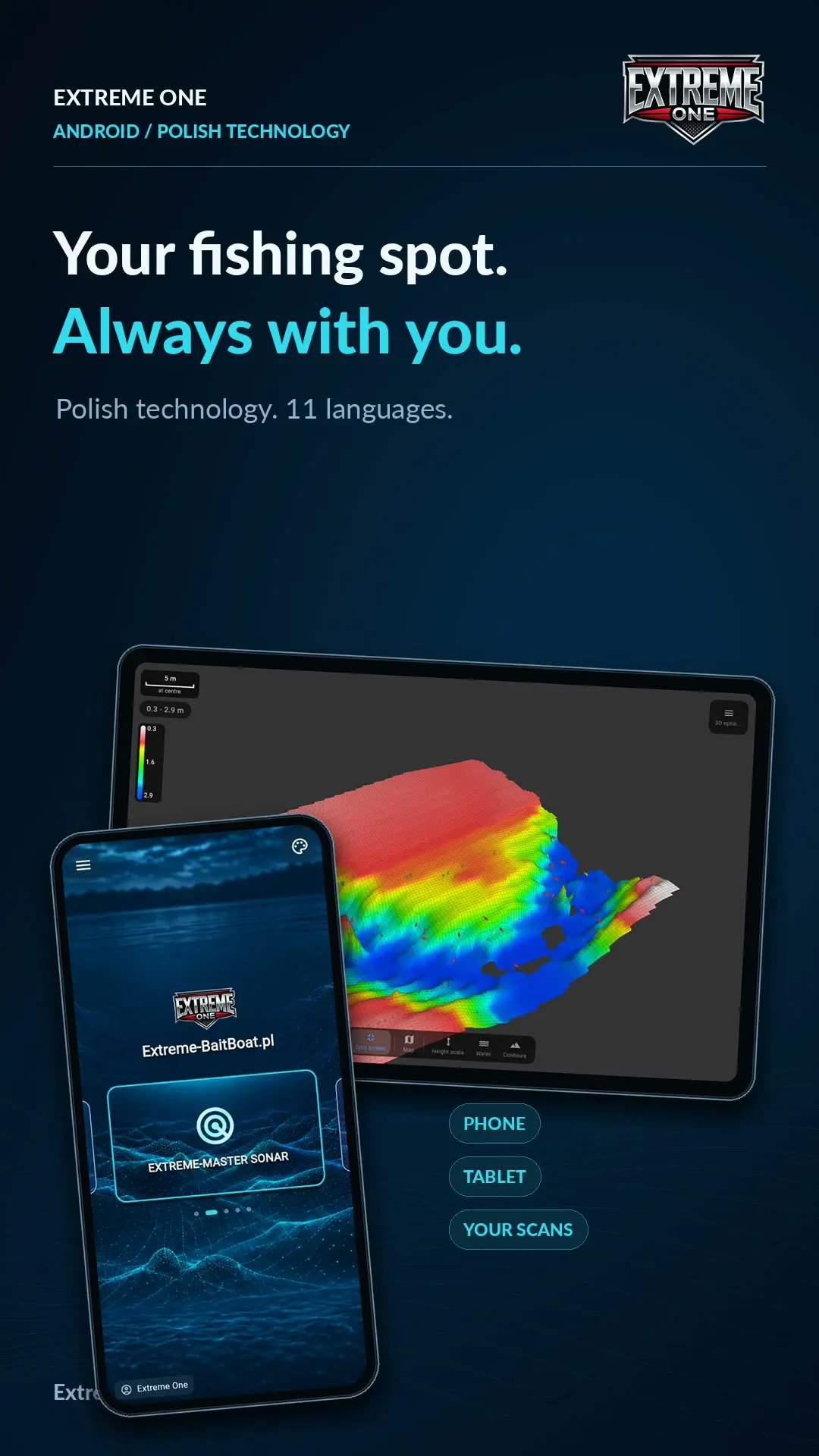
Extreme One for Android brings your fishing spot to your phone or tablet. Record at the lake, sync your scans and explore the underwater terrain later, using the same account as on your Skydroid controller or RadioMaster AX12.
Your recordings, available beyond the bank
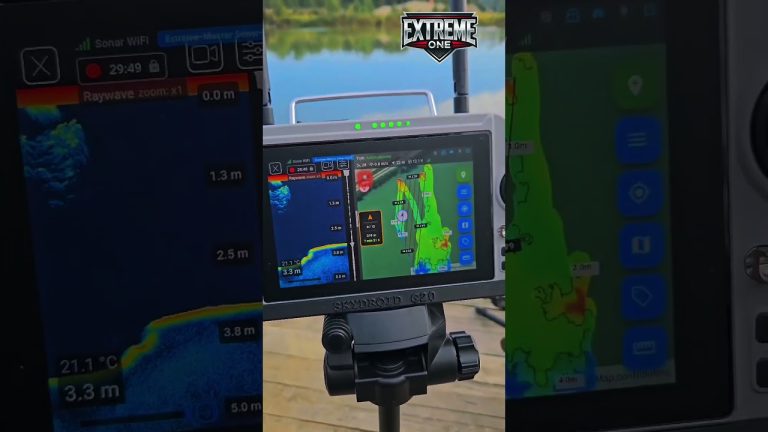
Upload your recordings to the Extreme One cloud, then sign in on another supported device. You can review echogram history, inspect 2D depth maps and rotate or zoom into 3D models built from sonar measurements. You do not need to keep the controller switched on to study synchronised recordings.
One lake bed, different colour palettes
The demonstration shows the Extreme and Extreme 2 palettes. They provide different ways to distinguish depths and slopes while keeping the recorded measurements as the source. Compare a drop-off, a plateau and a depression before choosing your next rig position.
Compatible sonar configurations include Extreme Master Sonar, Raymarine, Vexilar and Toslon. Supported models, receivers and connections vary, so the hardware configuration determines which live connection is available.
The video below demonstrates the refreshed Android application. It is narrated in Polish. Extreme One is developed in Poland, with multilingual interfaces for anglers using phones, tablets and supported controllers.
Extreme One for Android: prepare your recordings
Start on the device that recorded the session. Check that the required scan has finished uploading before you switch to another screen. A model stored locally on a controller is not automatically the same thing as an uploaded recording. Use a stable internet connection to complete synchronisation, and keep the original recording on the device until you have confirmed that the material is available where you need it.
Next, open Extreme One for Android on your phone or tablet and sign in to the same account. Choose the recording you want to review and let the required data load. This is useful when you want to discuss a spot with a friend: prepare the scan in advance, so your conversation can focus on the lake rather than on downloading a large recording.
Extreme One for Android: read the depth scale
Begin with an overview of the surveyed area. Look at the depth legend, identify the shallower section and follow the direction in which the bottom drops. Only then zoom into a smaller feature. This helps you understand whether a depression is isolated or connected to a longer slope. It also keeps a striking colour from becoming the only reason for choosing a fishing spot.
The demonstration compares two colour palettes on recorded data. Changing a palette changes how depths are displayed, not where the measurements were collected. When comparing different scans, check their legends rather than assuming that the same colour always represents the same depth. Extreme One for Android lets you explore the presentation while keeping the recording as your reference.
Use the echogram alongside the 3D model
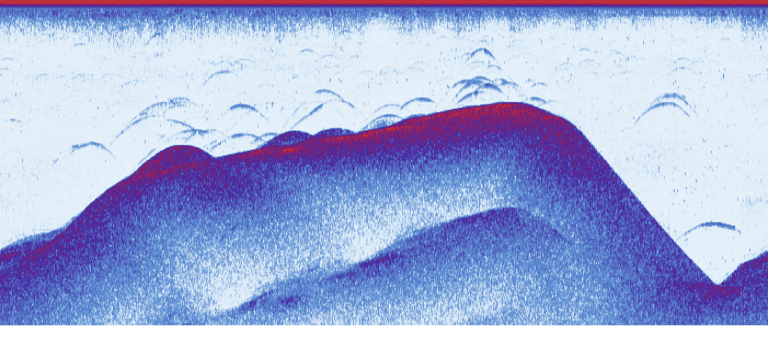
An echogram shows successive sonar observations along a pass. A depth map places measurements in their geographic context, while a 3D model makes slopes and changes in level easier to inspect from different angles. These views answer related questions. Looking at them together is more informative than judging the whole area from one attractive frame of the model.
Reviewing a recording at home also gives you time to compare it with your own observations. Think about where you placed a rig, which side of a slope you approached and what you noticed while fishing. The purpose is to make a better informed plan for the next visit. The map supports that decision; your knowledge of the water remains valuable.
Extreme One for Android: recordings and live sonar
Extreme One for Android can be used to review synchronised recordings, but receiving new sonar data requires compatible hardware. The sonar model, receiver and connection method all matter. Before changing your setup, identify the exact device you own and the phone, tablet or controller you intend to use. A configuration designed for one platform should not be assumed to work identically on another.
This presentation focuses on the practical benefit of carrying your recorded lake with you. Extreme One for Android gives you a convenient way to revisit a session without switching on the controller each time. Scan at the water, finish synchronisation and return to the material when you can study it carefully. Your next fishing trip can begin with observations from the previous one.
 Karpik Kroczek, asystent Extreme One